Mukiya USB-C Laptop Dock Stand – Advanced Display | Dual Monitor
FALL SALE UP TO 20% OFF >>
Ends in 00 D 00 H 00 M 00 S

Compare all models

Five configurations. Same form factor, same 100W charging — different display and port combinations for different workflows.

Creator Most ports Dual Monitor Most popular 8K 8K output Triple Display 3 screens Essential Core
Display
Total display outputs 12231
Triple Display resolution 4K@60Hz4K@60Hz8K@30Hz4K@60Hz4K@30Hz
HDMI ports 1× HDMI2× HDMI1× HDMI2× HDMI1× HDMI
DisplayPort — — DP 8K@30Hz DP 4K@60Hz —
Dual 4K@60Hz — ✓ ✓ ✓ —
Triple 4K@60Hz — — — ✓ —

Best For

Creator

The audio-first creator

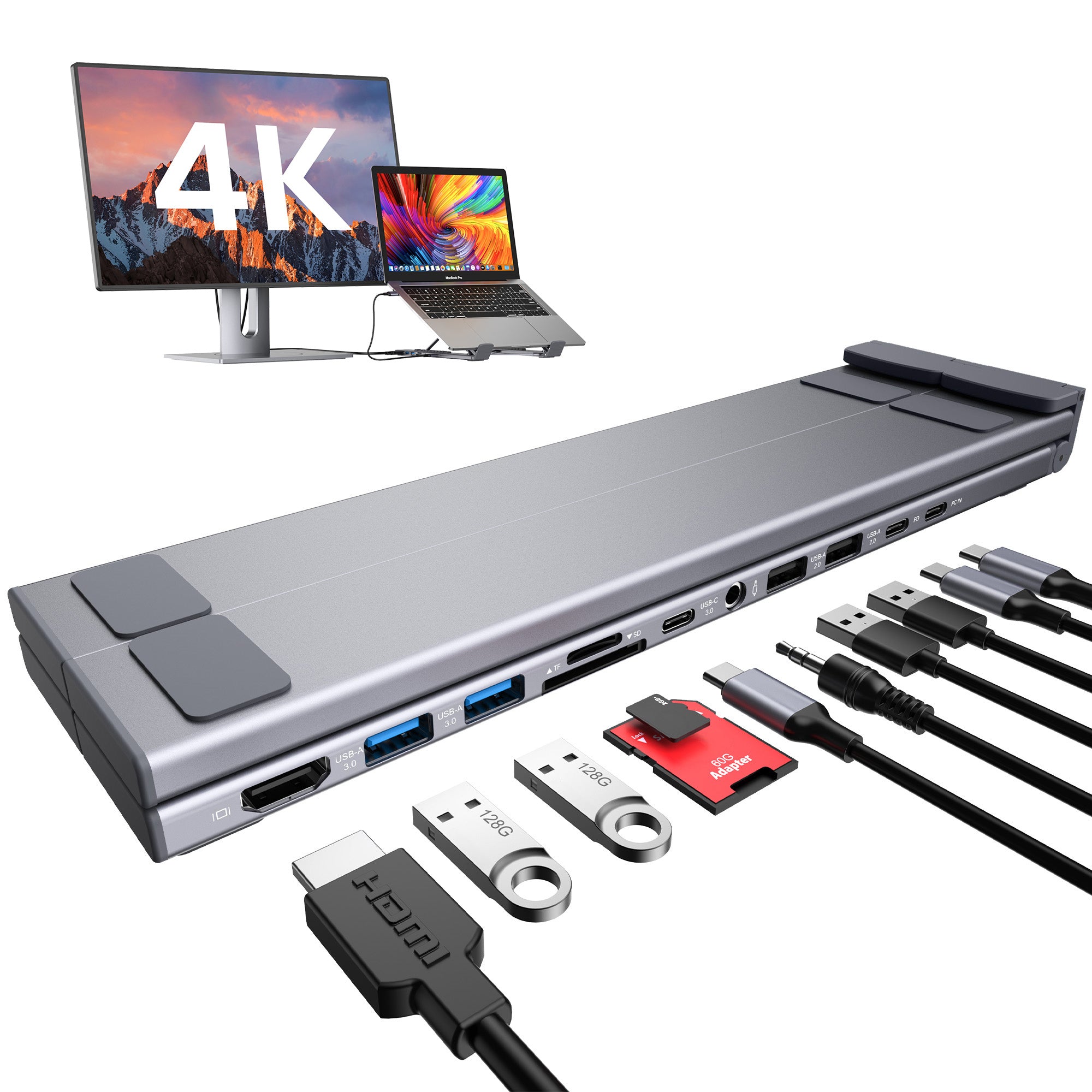
Content creators, podcasters, and remote workers who plug in a condenser mic or studio headphones. The only M model with audio I/O.

Dual Monitor

The daily commuter

Hybrid workers and business travelers who need two external monitors. Best all-round pick — nothing wasted, nothing missing.

8K

The resolution professional

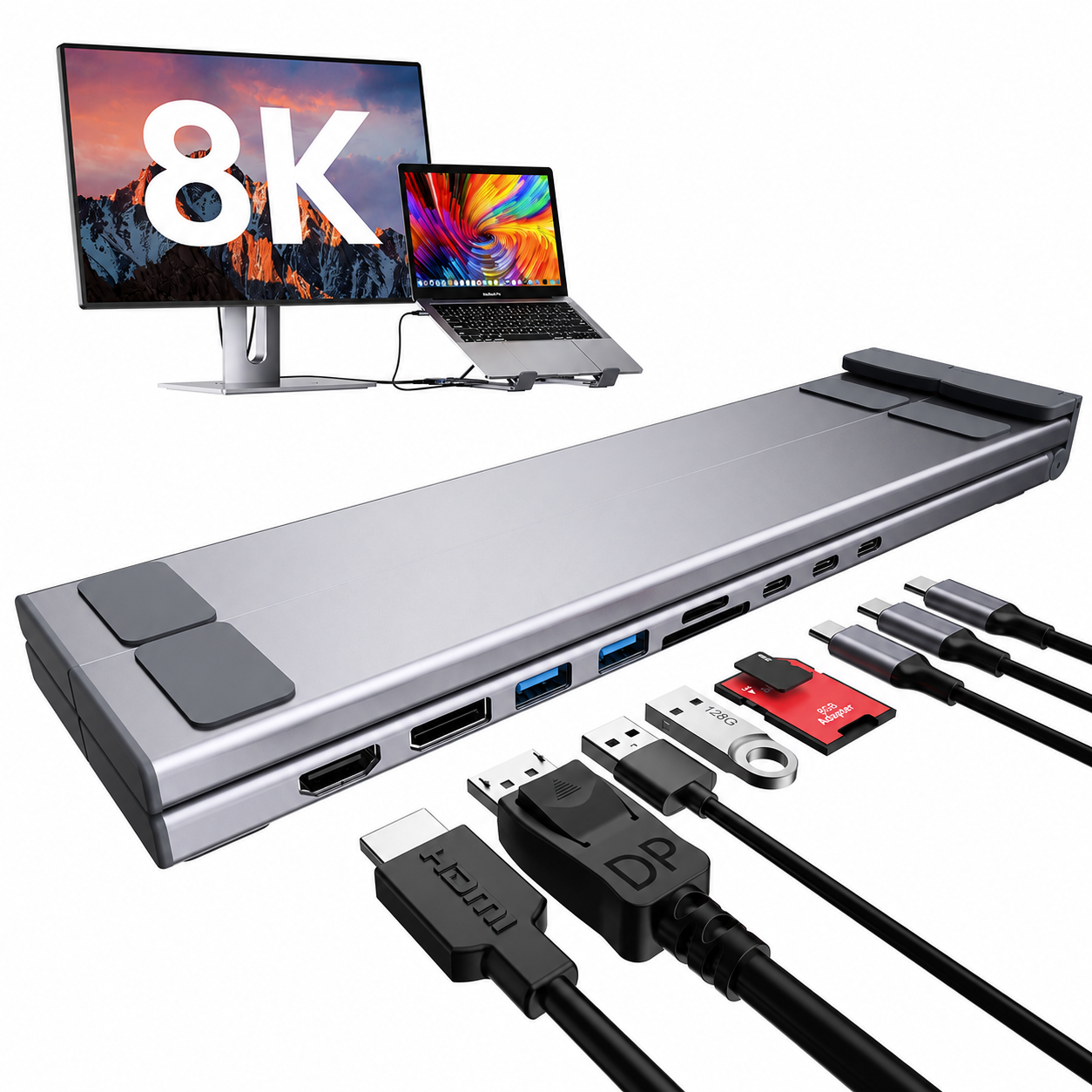
Video editors, colorists, architects, and 3D artists. For workflows where pixel count is non-negotiable — 8K@30Hz or dual 4K@60Hz.

Triple Display

The multi-screen operator

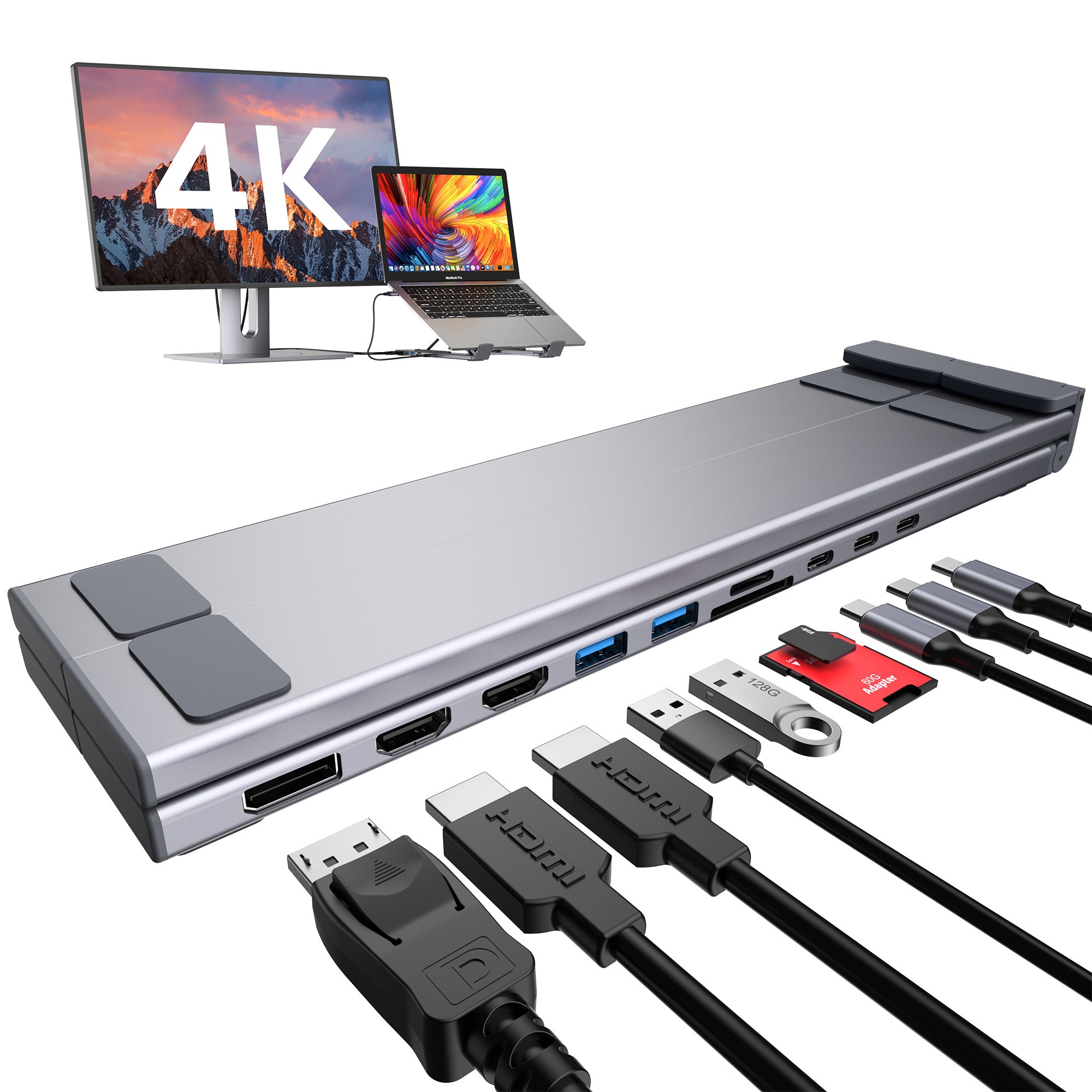
Traders, developers, and video producers who run three external screens. The only M model that drives three 4K@60Hz outputs simultaneously.

Essential

The essential setup

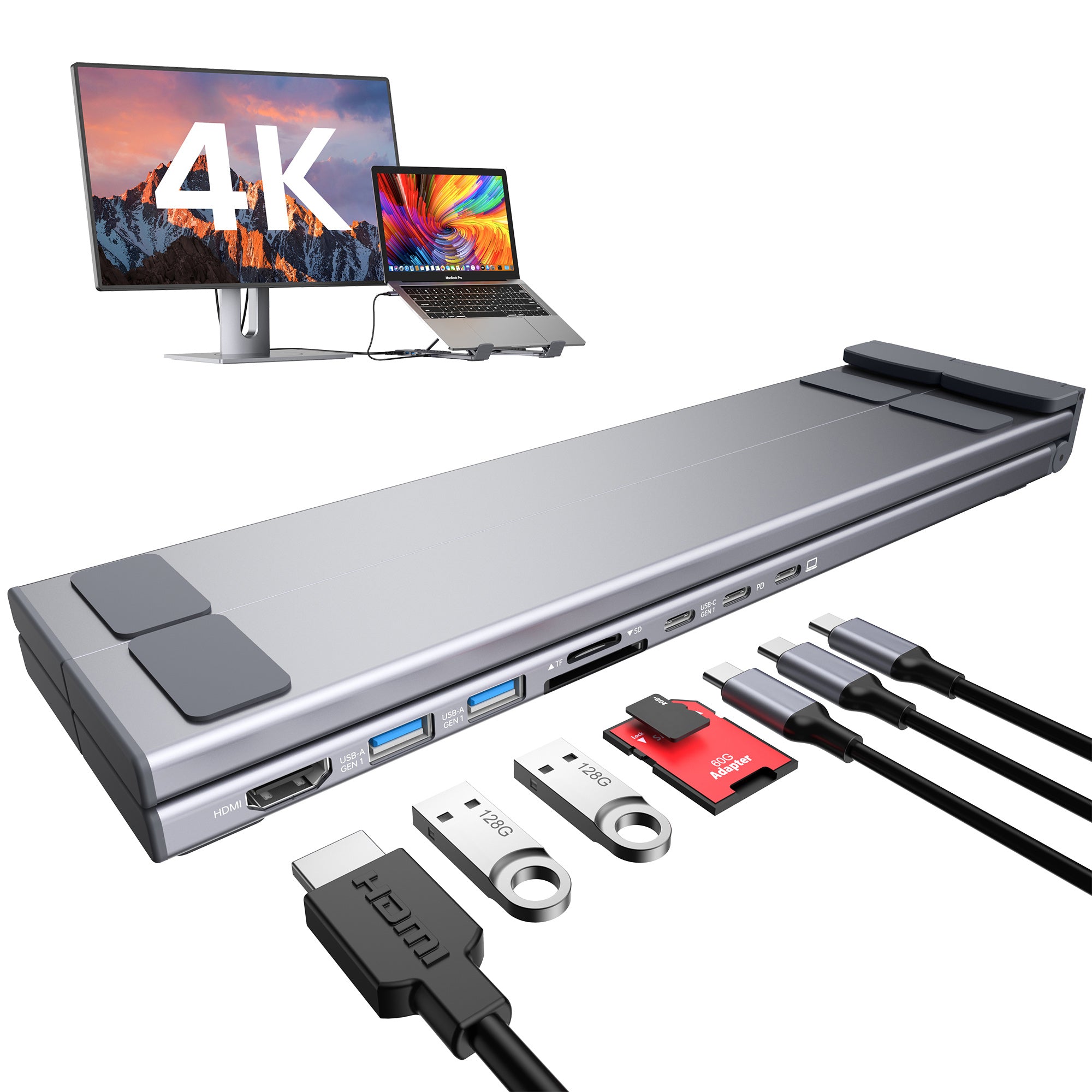
For users who need a simple, reliable single-display workspace. One HDMI output with up to 4K@30Hz for everyday productivity.

Creator

The audio-first creator

Content creators, podcasters, and remote workers who plug in a condenser mic or studio headphones. The only M model with audio I/O.

Dual Monitor

The daily commuter

Hybrid workers and business travelers who need two external monitors. Best all-round pick — nothing wasted, nothing missing.

8K

The resolution professional

Video editors, colorists, architects, and 3D artists. For workflows where pixel count is non-negotiable — 8K@30Hz or dual 4K@60Hz.

Triple Display

The multi-screen operator

Traders, developers, and video producers who run three external screens. The only M model that drives three 4K@60Hz outputs simultaneously.

Essential

The essential setup

For users who need a simple, reliable single-display workspace. One HDMI output with up to 4K@30Hz for everyday productivity.

Tidy Magic: Before & After

A better workspace leads to better focus. Mukiya turns a crowded desk into a cleaner, calmer setup.

Scattered, crowded, always searching Before

Scattered, crowded, always searching

Loose cables, low laptop height, and devices competing for the same small desk space.

  • Cables spread across the desk
  • Laptop screen sits too low
  • Harder to keep work tools organized
Cleaner, higher, ready to focus After

Cleaner, higher, ready to focus

Mukiya lifts your screen, simplifies charging, and keeps your workspace looking intentional.

  • Better viewing height for daily work
  • Cleaner charging and device placement
  • Desk feels calmer and more productive

Featured by Creators
See what tech reviewers and productivity experts are saying
heyjimtech review screenshot
heyjimtech
heyjimtech
@heyjimtech
“Clean desk setup for everyday productivity.”
circuit_breaker090 review screenshot
circuit_breaker090
circuit_breaker090
@circuit_breaker090
“One cable. Fully upgraded workspace experience.”
maxtech_2026 review screenshot
maxtech_2026
maxtech_2026
@maxtech_2026
“Minimal setup, maximum daily efficiency.”

Real Setups, Real Results

See how our community transforms their workspaces

FAQs

Can this USB-C dock run two external monitors?

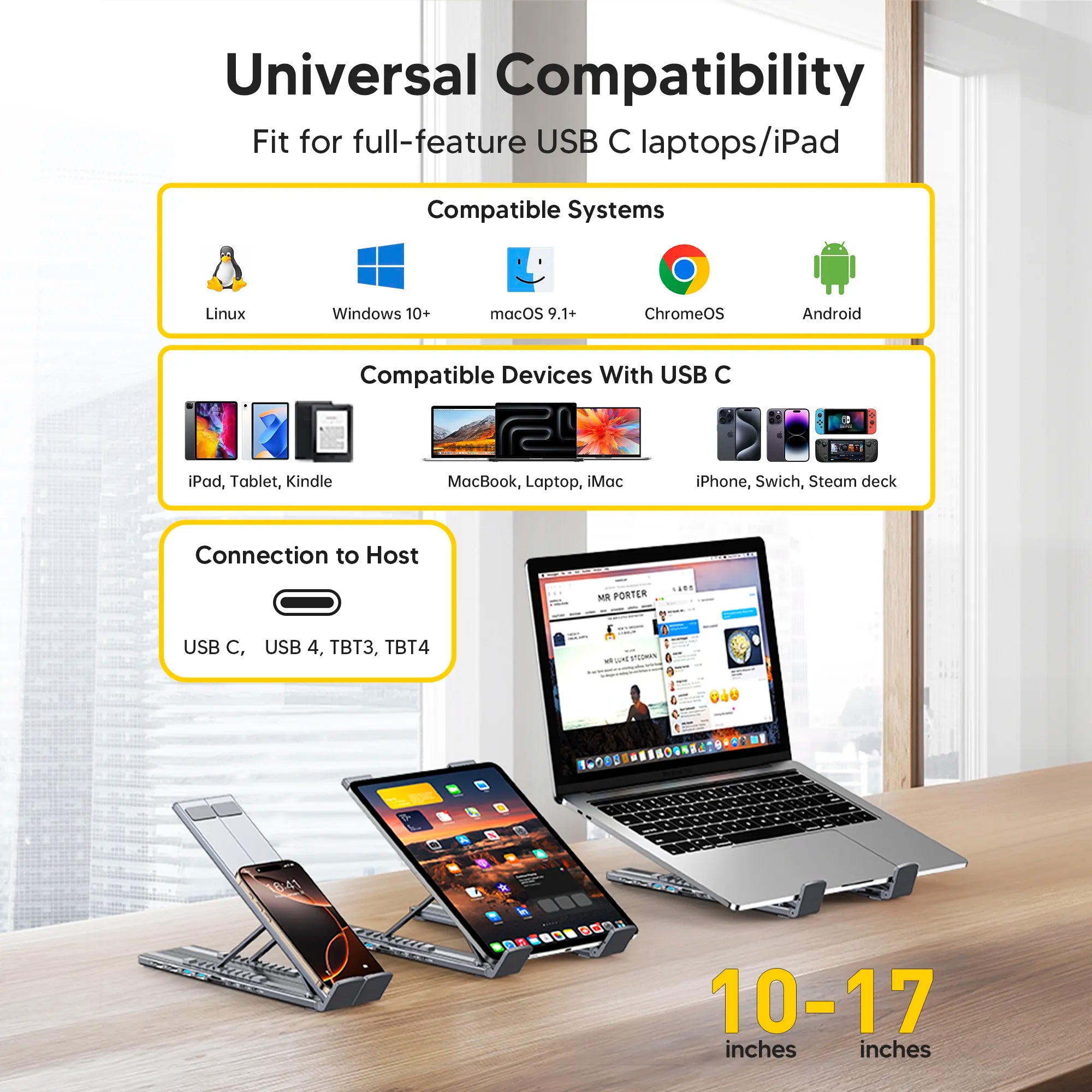
Yes, on a compatible laptop. The two HDMI outputs support a dual-monitor setup, while final resolution and refresh rate depend on the laptop's USB-C video capability, operating system, cable, and available bandwidth.

Is this a monitor stand with a docking station built in?

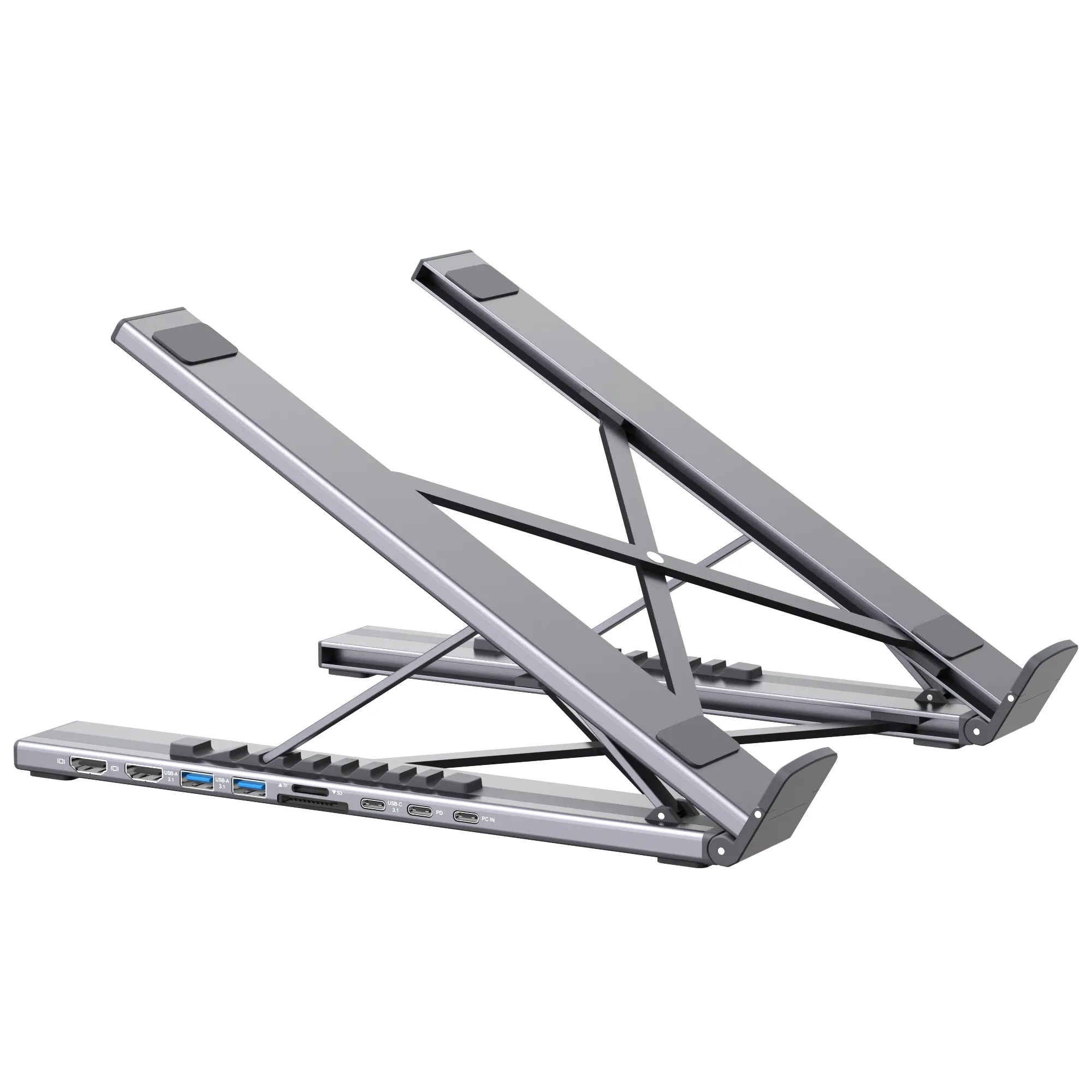
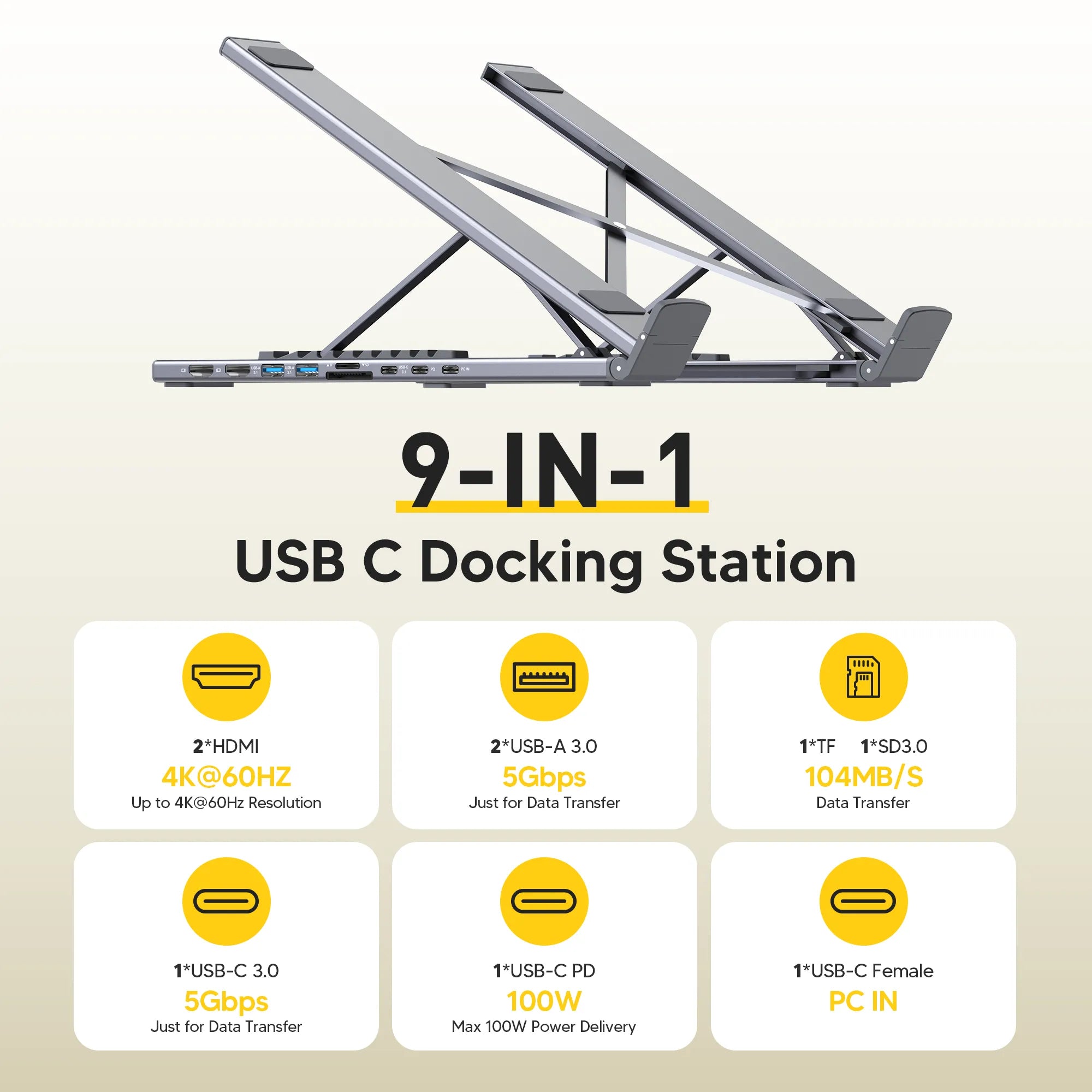
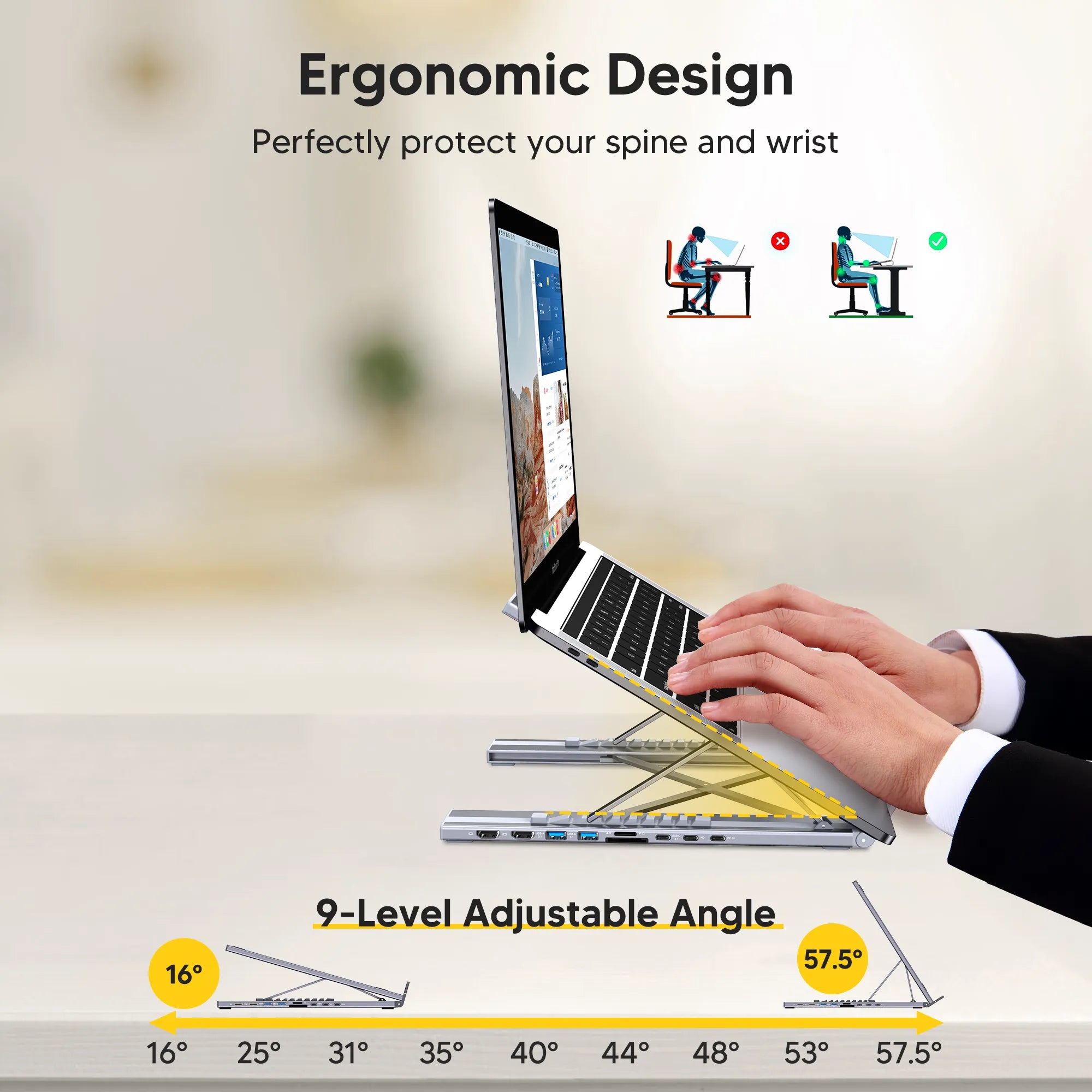
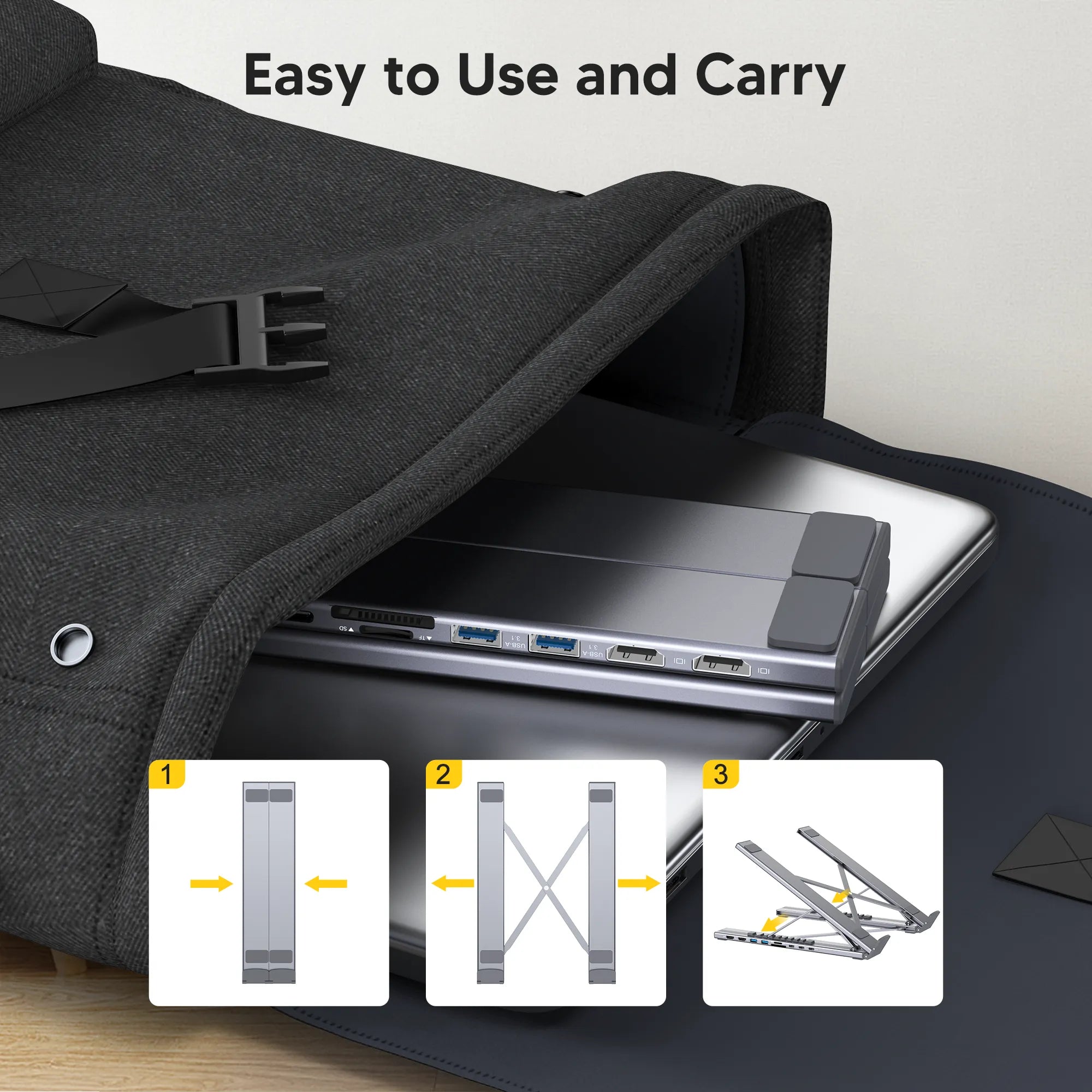
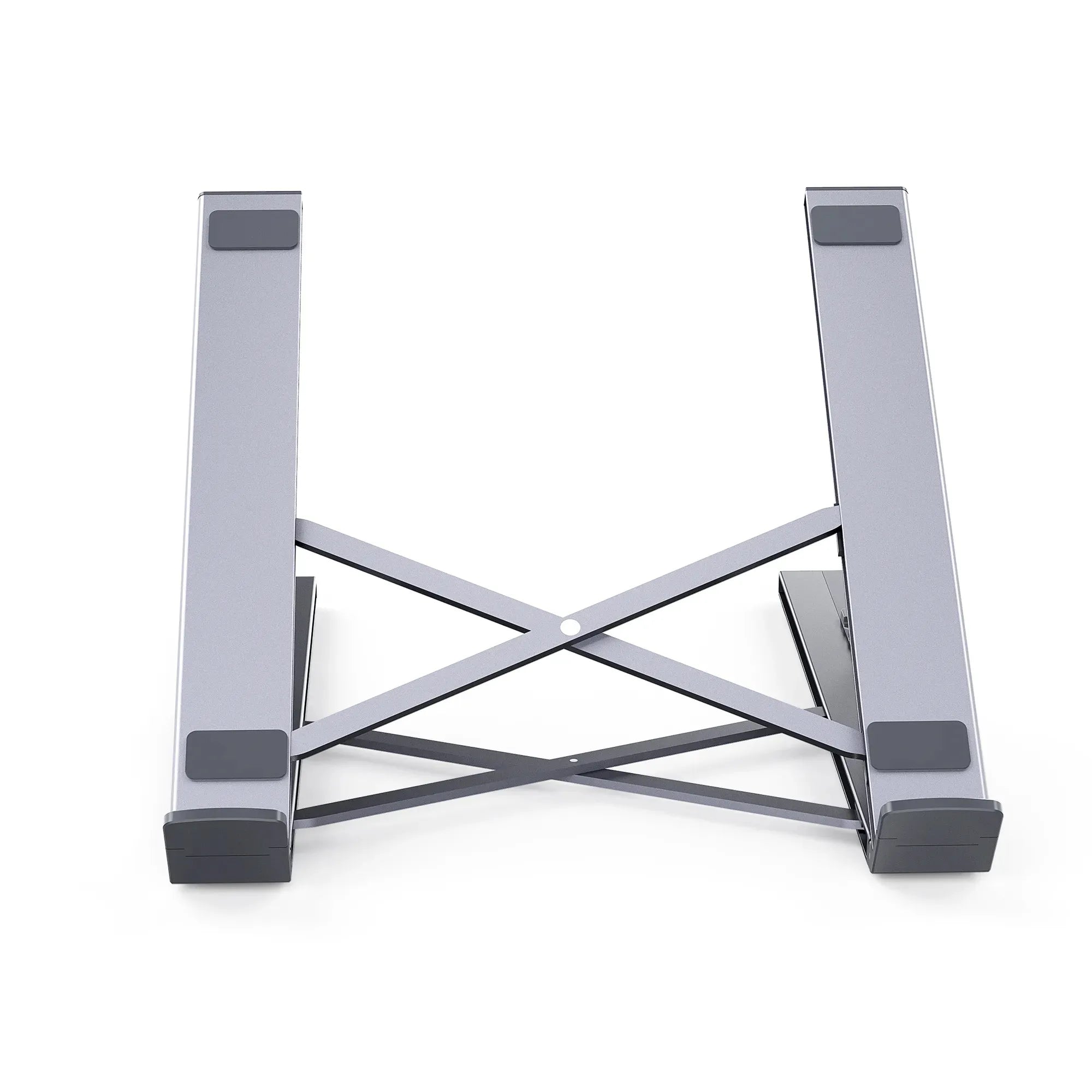
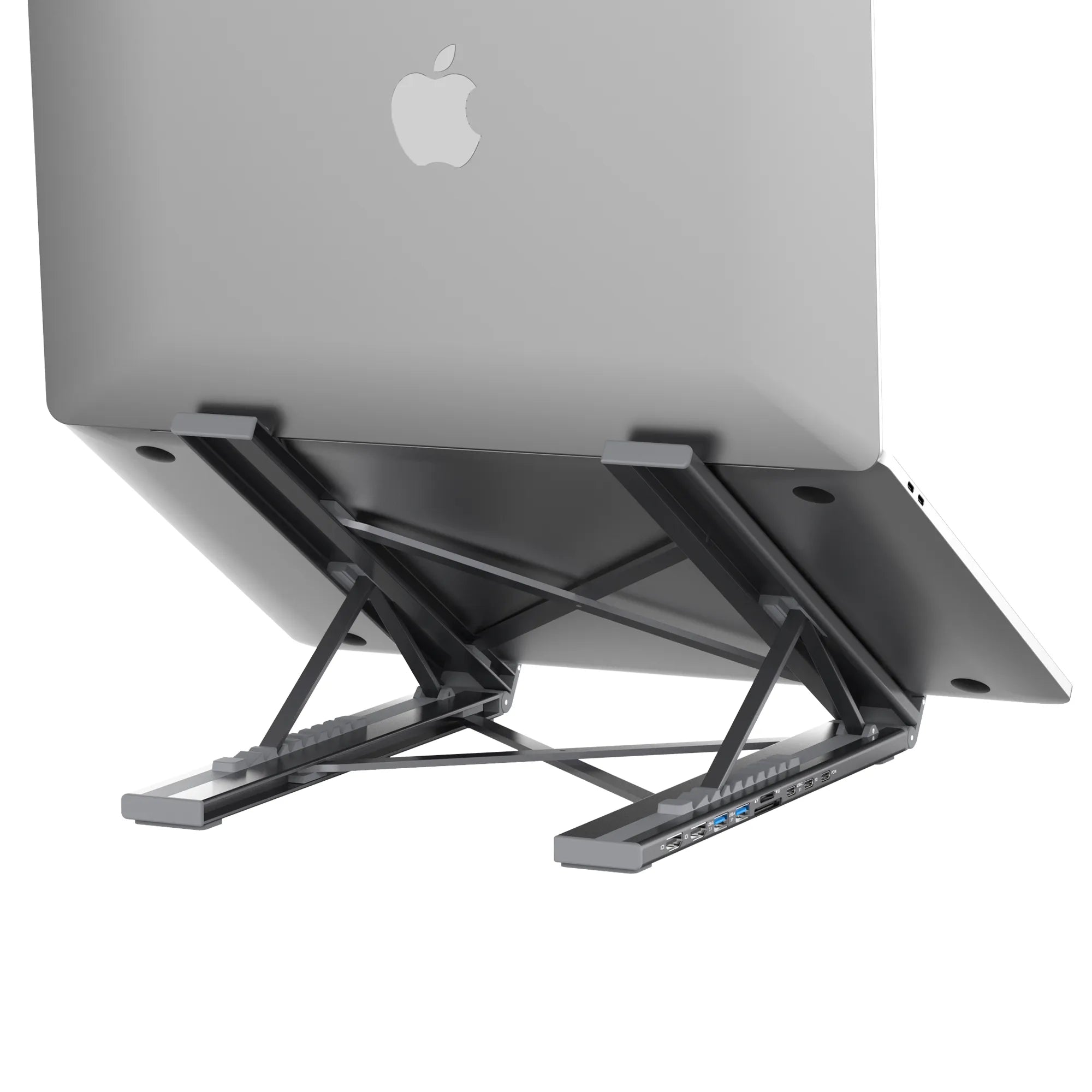
Yes. It combines an adjustable aluminum laptop stand with a 9-in-1 USB-C dock, so it raises your laptop to a comfortable height and drives two monitors and your accessories from a single connection, a true stand-plus-dock in one.

What ports does the Dual Monitor dock include?

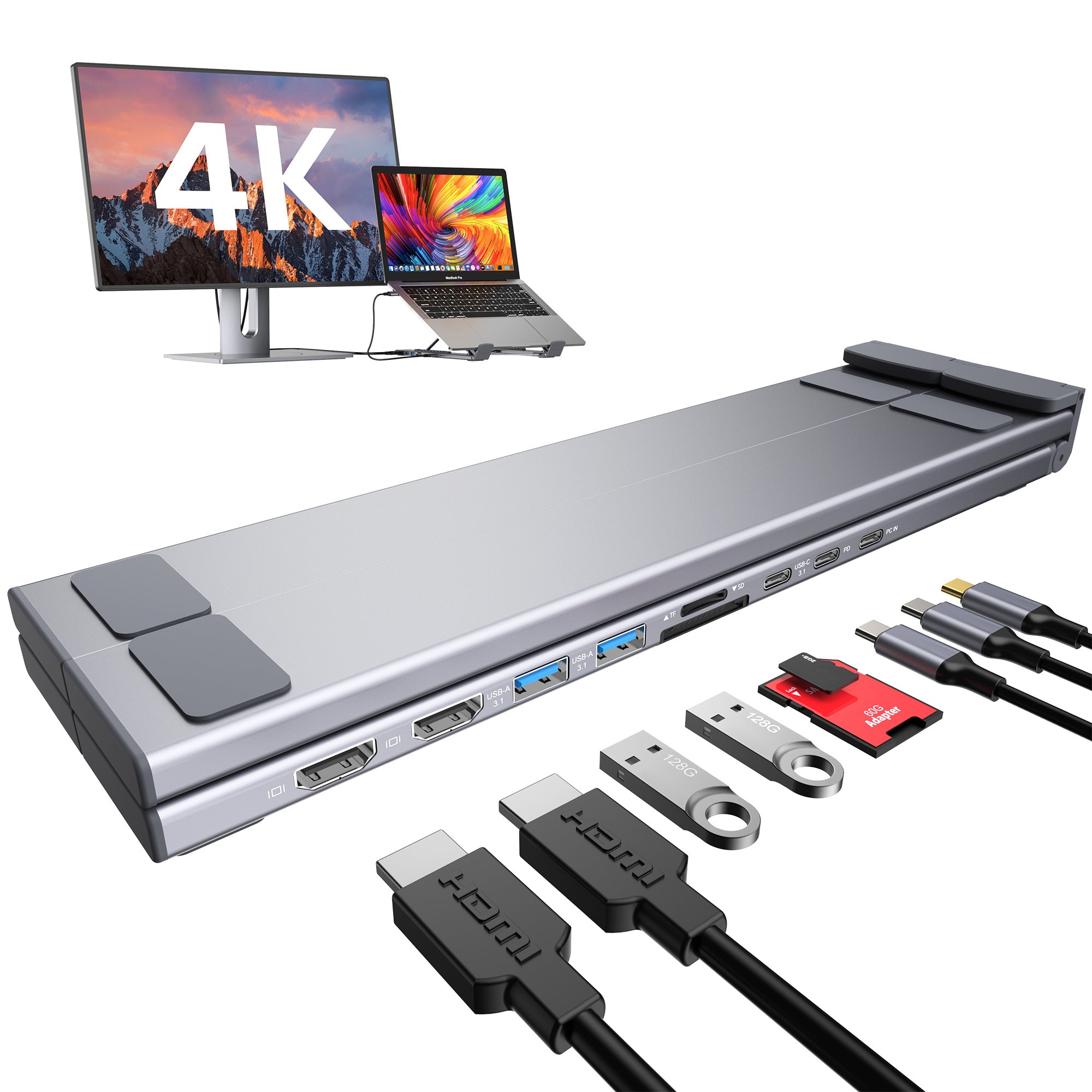
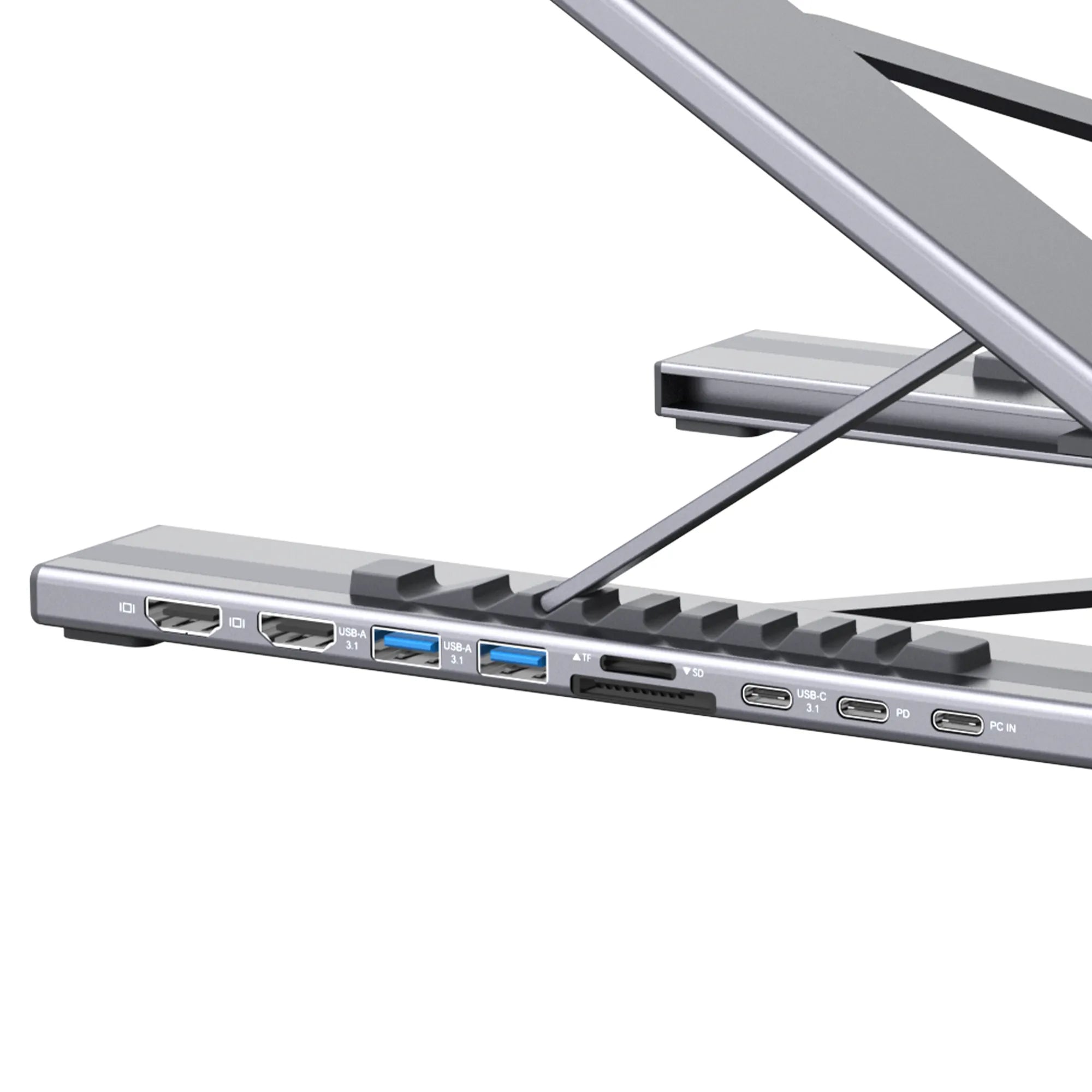
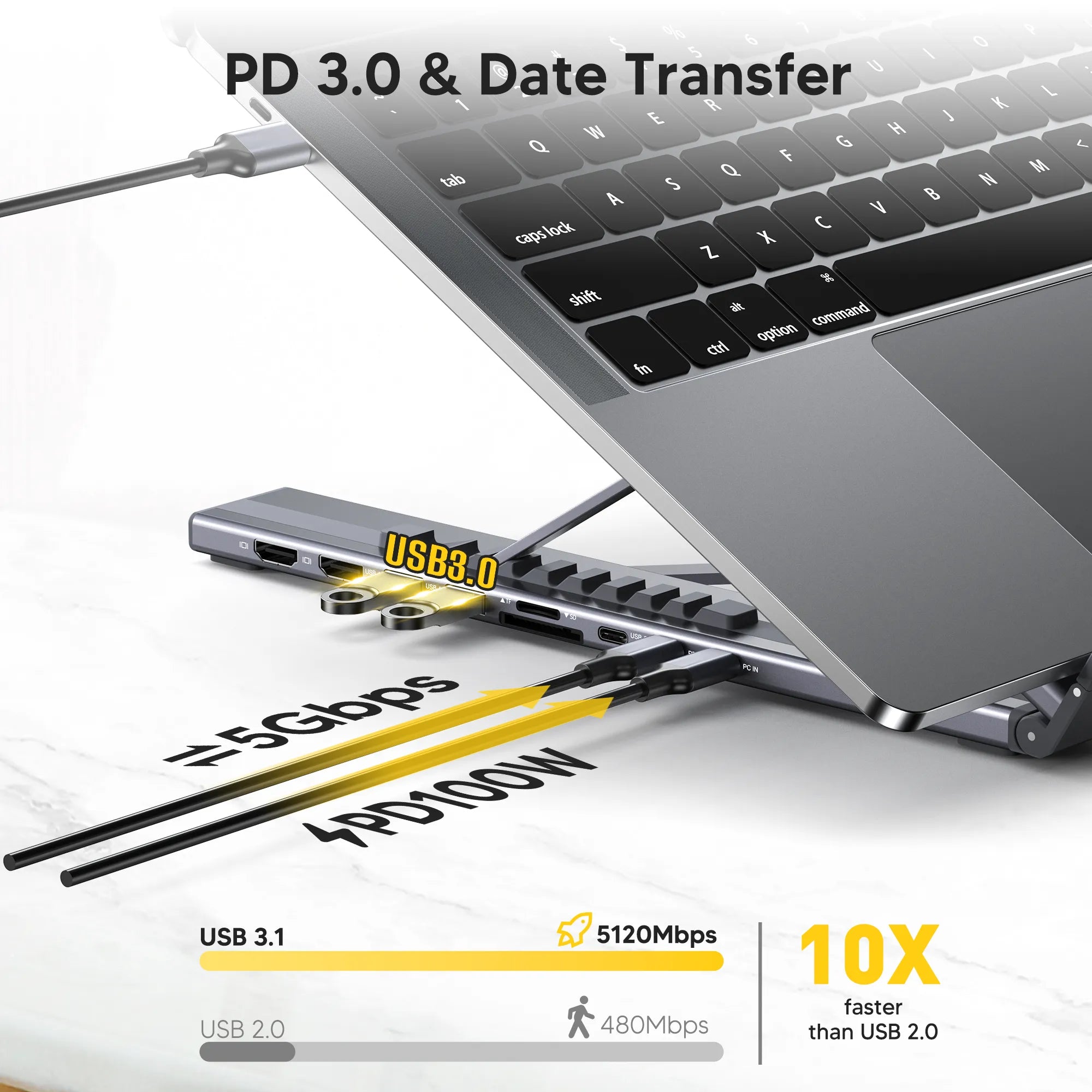
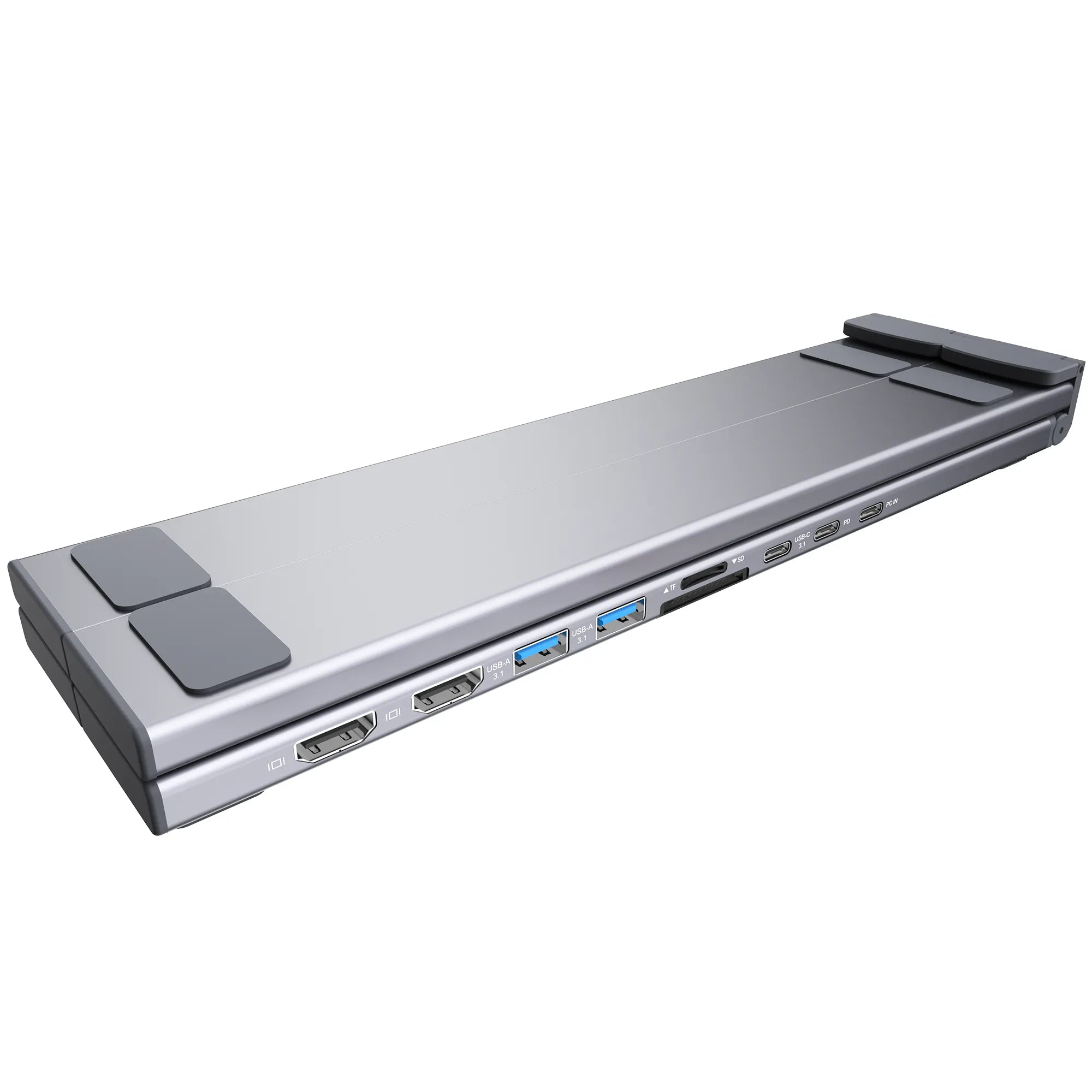
It is a 9-in-1 dock: two HDMI outputs, two USB-A 3.0 ports (5Gbps), a USB-C data port, an SD card reader, a TF/microSD reader, and USB-C Power Delivery to charge your laptop.

Will dual monitors work with my MacBook?

That depends on the Mac model and chip. Some MacBooks support only one external display through a standard USB-C dock, while others support more. Check Apple's external-display limit for your exact model; the dock cannot add display support that the Mac does not provide.

Can it charge my laptop while running two screens?

Yes. Connect a USB-C Power Delivery charger to the dock power input and it charges your laptop while driving both monitors and your accessories, so one cable to your laptop handles everything.