
Why Minimalist Desk Setups Are Trending in 2025
In 2025, the minimalist desk setup has evolved from an aesthetic preference into a productivity movement. As remote work, content creation, and hybrid offices continue to rise, users are seeking workspaces that feel clean, calm, and efficient. A minimal desk is no longer just about style—it's about optimizing focus, reducing clutter, and building a healthier digital workflow.
One of the driving forces behind this trend is the growing adoption of smarter, space-saving tools such as the laptop stand for desk, laptop stand dock, and other multifunctional accessories that combine ergonomics with connectivity.

Less Clutter, More Clarity
The modern workspace is filled with devices—laptops, monitors, keyboards, hard drives, and more. Without proper organization, desks quickly become overwhelming. Minimalist setups aim to remove unnecessary items while keeping only tools that support efficiency.
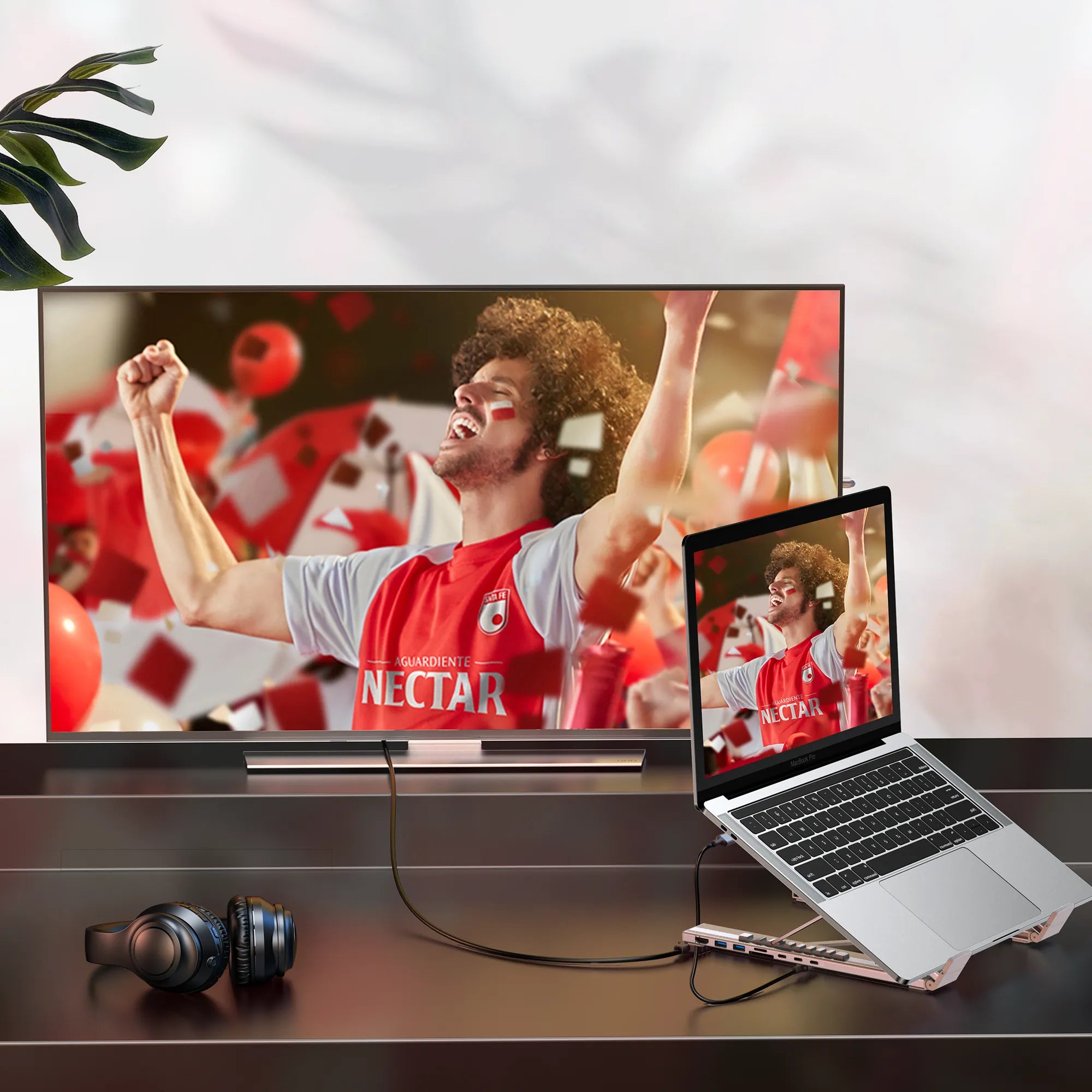
A single portable laptop stand with integrated USB-C dock can now replace multiple devices on a desk. Instead of using separate hubs, cables, and risers, this all-in-one solution elevates the laptop while offering ports for displays, storage devices, and peripherals. This helps eliminate messy cables and accessory overload, creating a cleaner visual environment that supports better concentration.
Ergonomics Become a Priority
Health-focused work habits are another major reason minimalist setups are trending. Adjustable devices are becoming standard because they reduce strain on the neck, back, and wrists.
Products such as an adjustable laptop stand or a metal laptop stand adjustable allow users to raise the screen to eye level, promoting better posture and long-term comfort. Metal structures are especially popular because they offer stability and durability while maintaining a modern, minimal appearance.
Better Cooling, Better Performance
Many people don’t realize that laptop performance is heavily influenced by heat. A well-designed minimalist setup supports airflow, which is crucial for maintaining speed and preventing throttling.
This explains the rising demand for accessories like a laptop stand cooler or an adjustable laptop stand with cooling fans. These cooling-enhanced stands not only improve ventilation but also reduce the need for bulky external cooling pads, keeping the workspace clean and streamlined.
Aesthetic Simplicity That Enhances Productivity
Minimalist setups are visually calming. A clean desk reduces mental load and helps users get into a flow state more easily. Sleek metal accessories, uniform color tones, and hidden cables contribute to a workspace that looks intentional and harmonious.
Using a laptop stand dock consolidates multiple functions—height adjustment, connectivity, and stability—into a single elegant tool. This aligns perfectly with the minimalist principle: own fewer things, but make each item do more.
The Rise of Hybrid and Mobile Workstyles
In 2025, people no longer work exclusively in one place. Many switch between home, office, cafés, or travel environments. Minimalist setups cater to mobility by relying on compact, multifunctional tools.
A portable laptop stand with integrated USB-C dock is ideal for hybrid professionals because it recreates a complete workstation anywhere—just plug in a single cable. This reduces setup time and eliminates the need to carry multiple hubs, stands, or adapters.
Conclusion
Minimalist desk setups are popular in 2025 because they help people think clearly, work efficiently, and maintain healthier habits. With accessories such as the laptop stand for desk, metal laptop stand, and advanced cooling or docking options, users can build a workspace that is both functional and beautiful.
Minimalism today is not about having less—it’s about having the right tools that make work feel effortless.

Share:
How Fast Wireless Chargers Improve Your Daily Routine
Minimalist Workstation Setup: Building a Clean Desk with a Portable USB-C Hub Stand