 之前
凌亂、擁擠,總是在尋找東西
線材凌亂、筆電高度太低,裝置還得爭奪同一小塊桌面空間。
- 桌面上散落著電線
- 筆記型電腦螢幕位置太低
- 更難整理工作工具
 為重要的事留出空間。
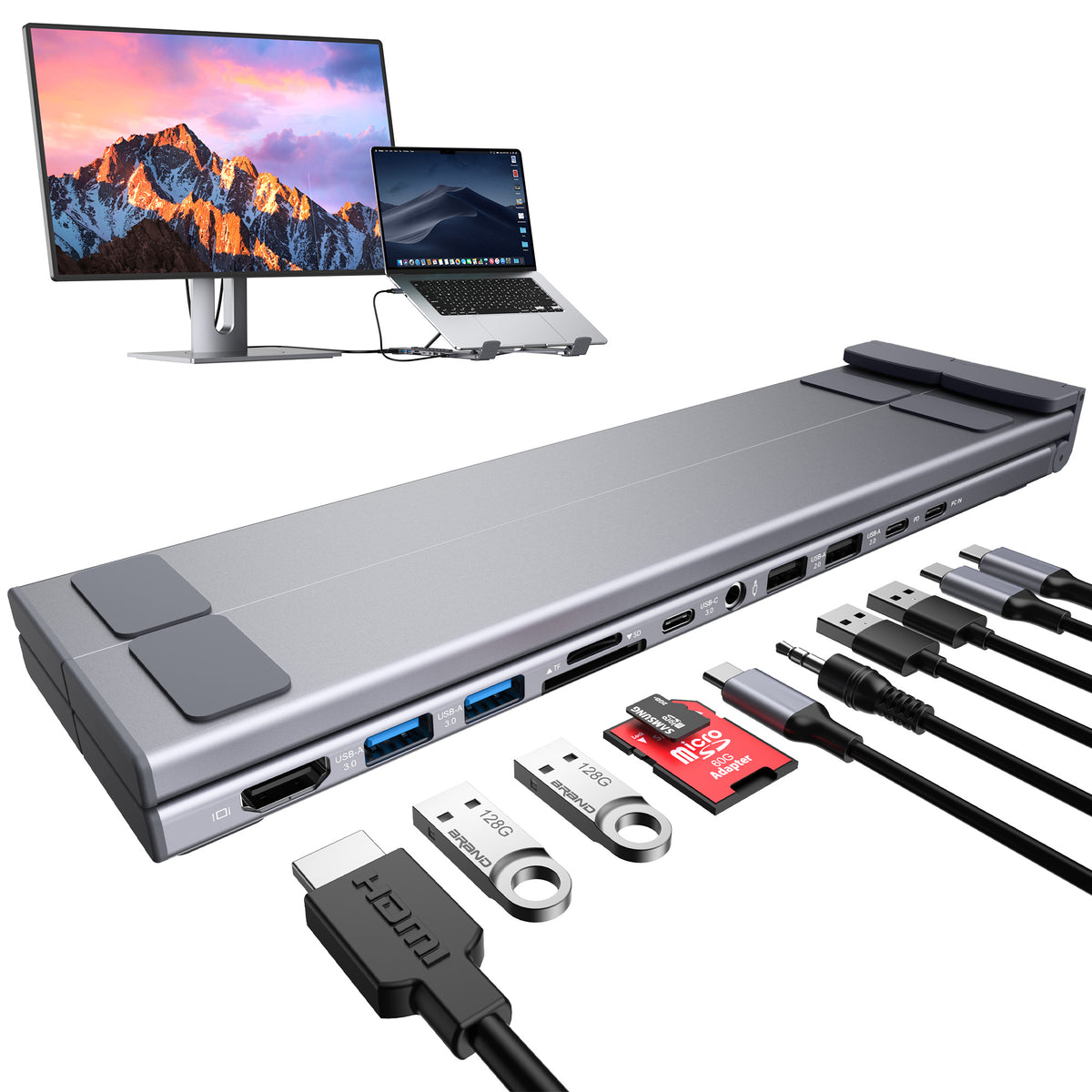

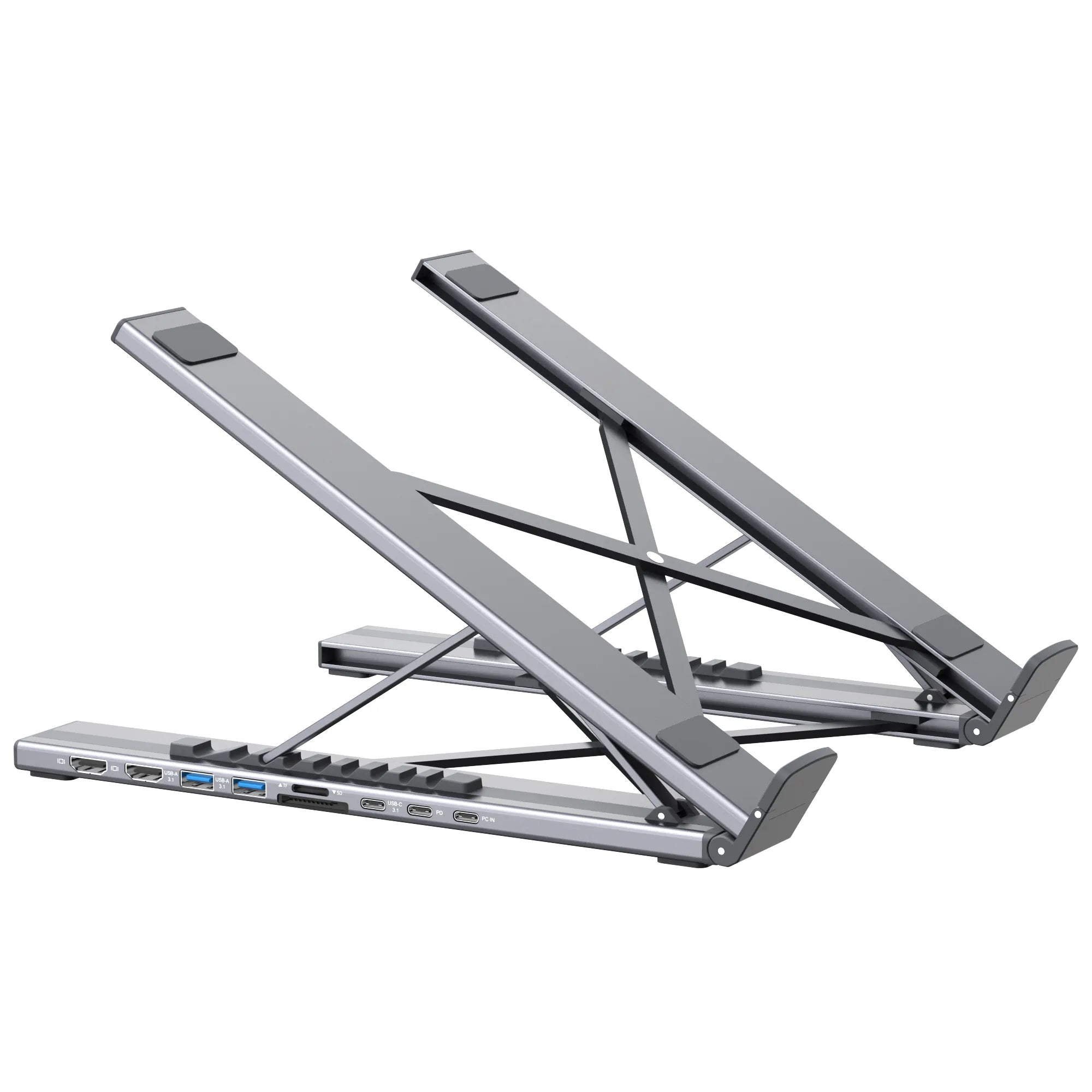
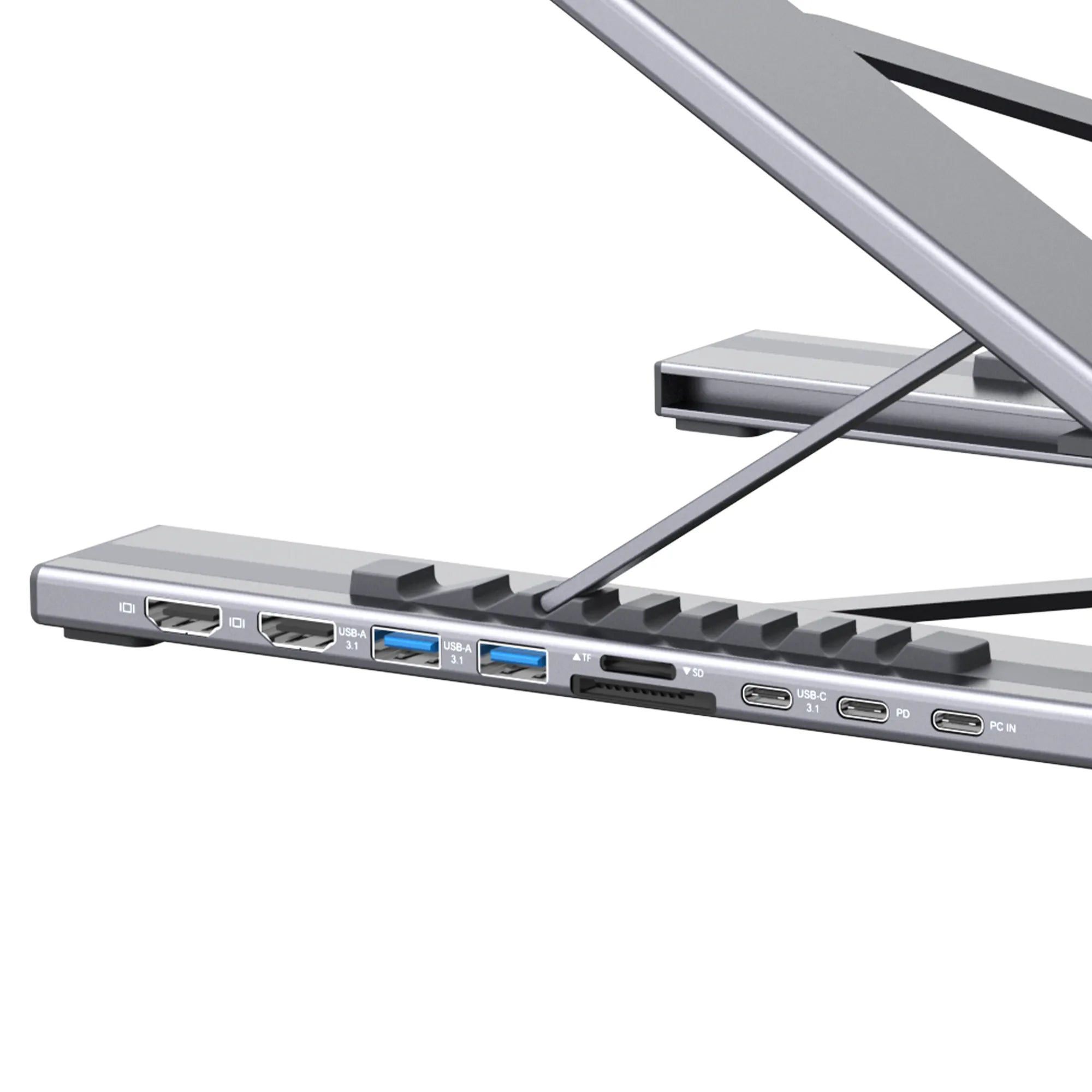
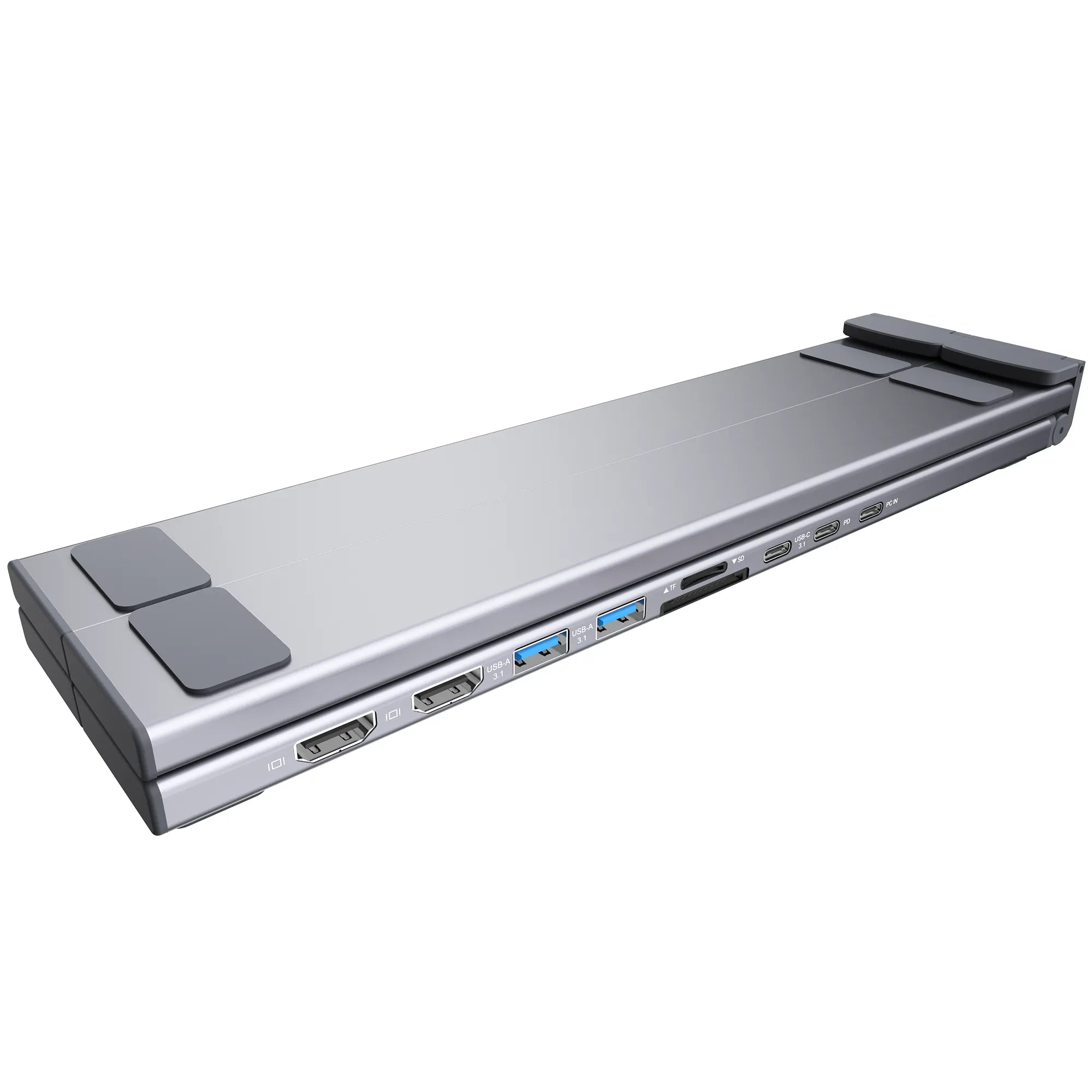
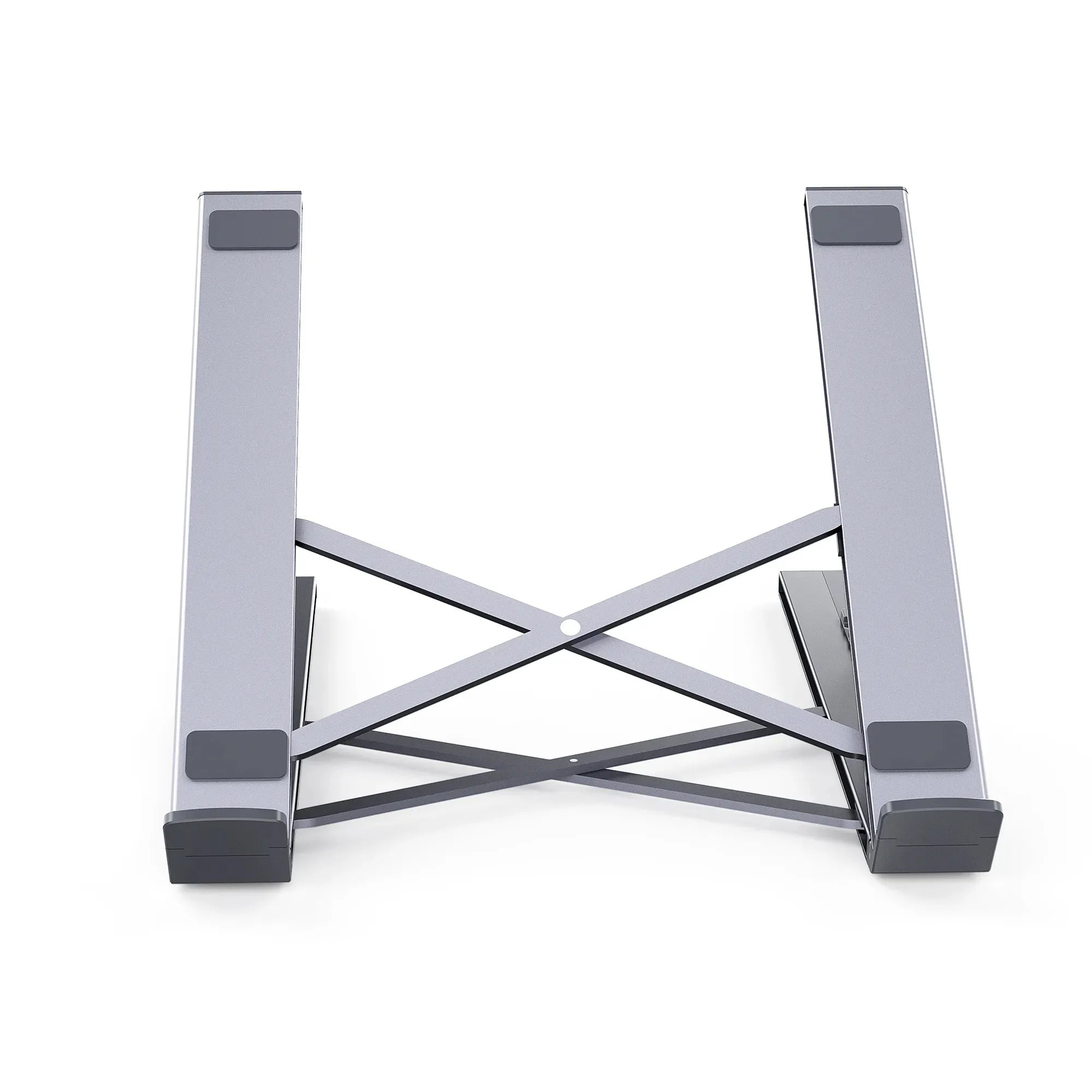
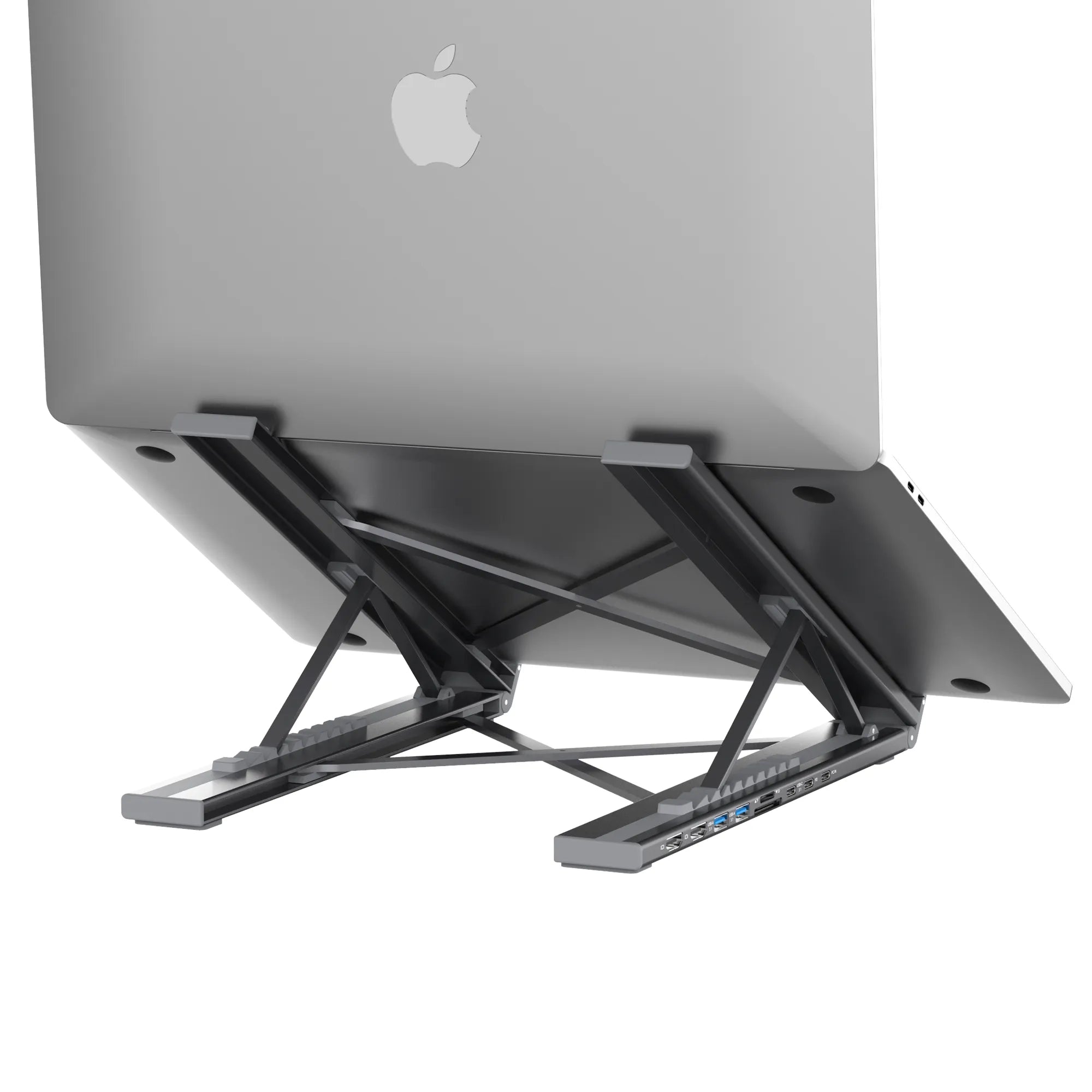
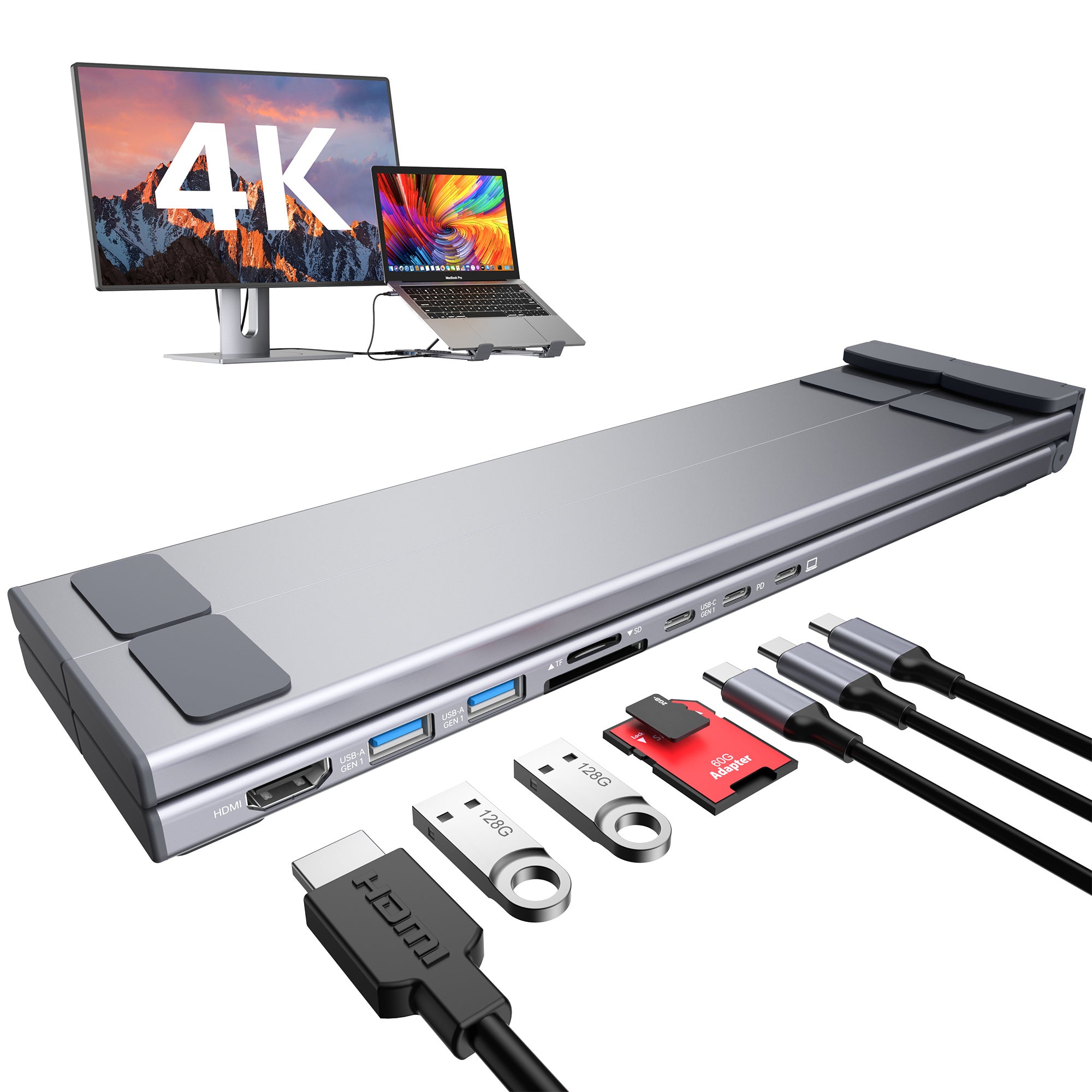


雙 4K@60Hz HDMI,打造流暢的專業工作體驗。
Buy 2+ eligible items, get 20% off no code needed
FREE magnetic cable on orders US$100+ Add the cable to your cart to claim your gift.
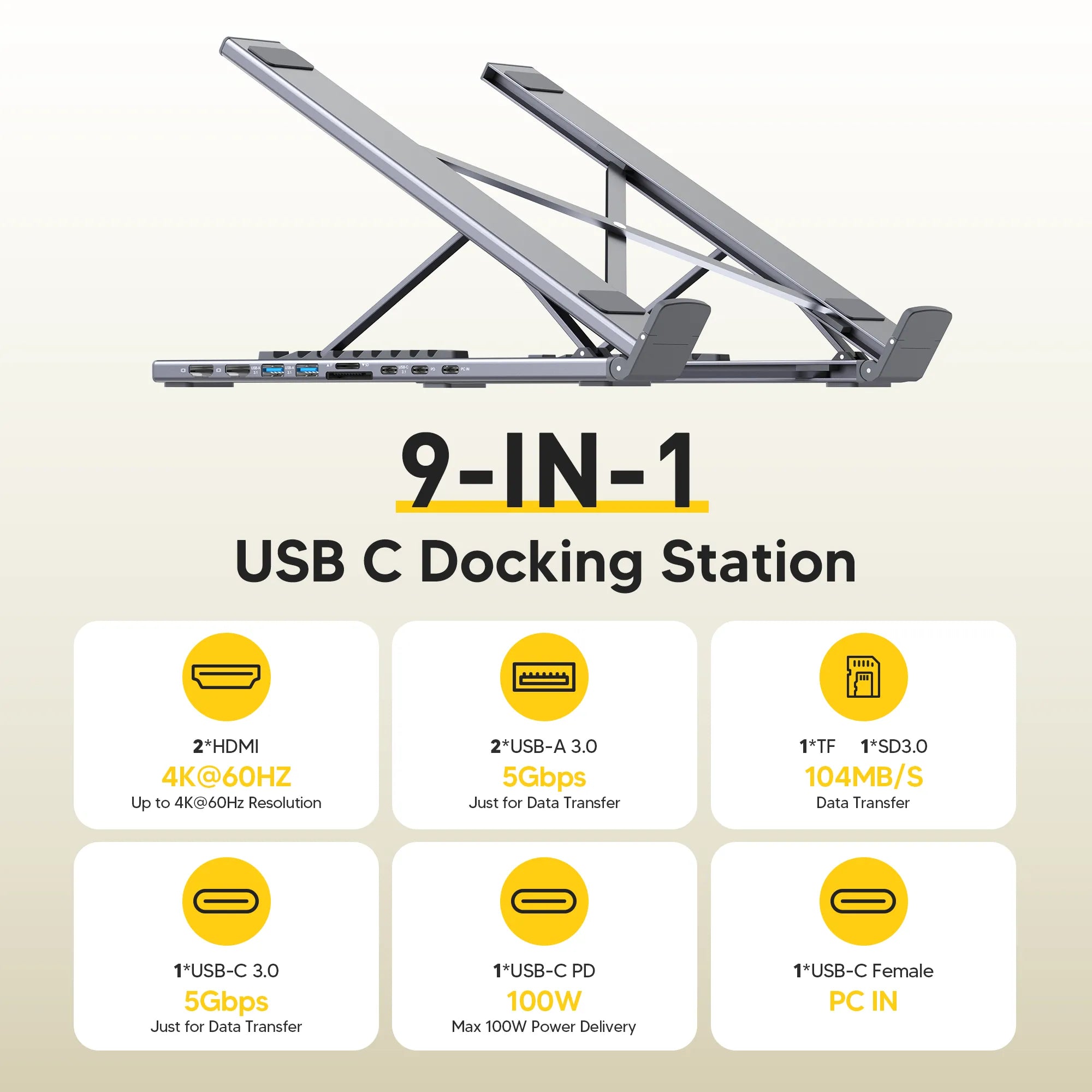
透過雙 HDMI 輸出,將工作空間擴展至兩台外接螢幕,最高支援 4K@60Hz。打造更身歷其境的多螢幕配置,滿足多工處理、提升生產力及創意工作流程的需求。
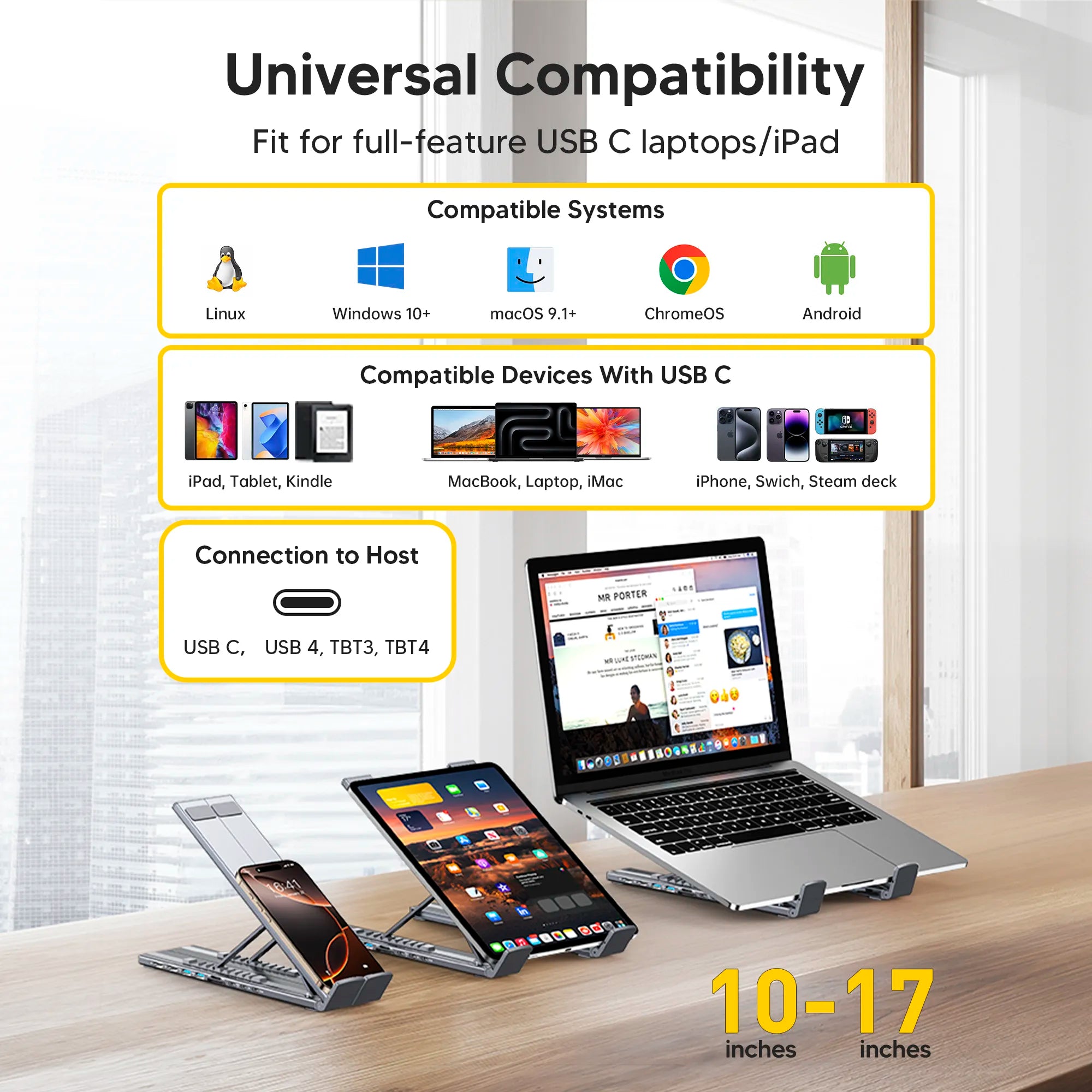
透過單一相容的 USB-C 連接埠連接筆記型電腦,即可透過支架擴充雙螢幕、USB 配件、SD/TF 卡、資料傳輸及筆記型電腦充電功能。
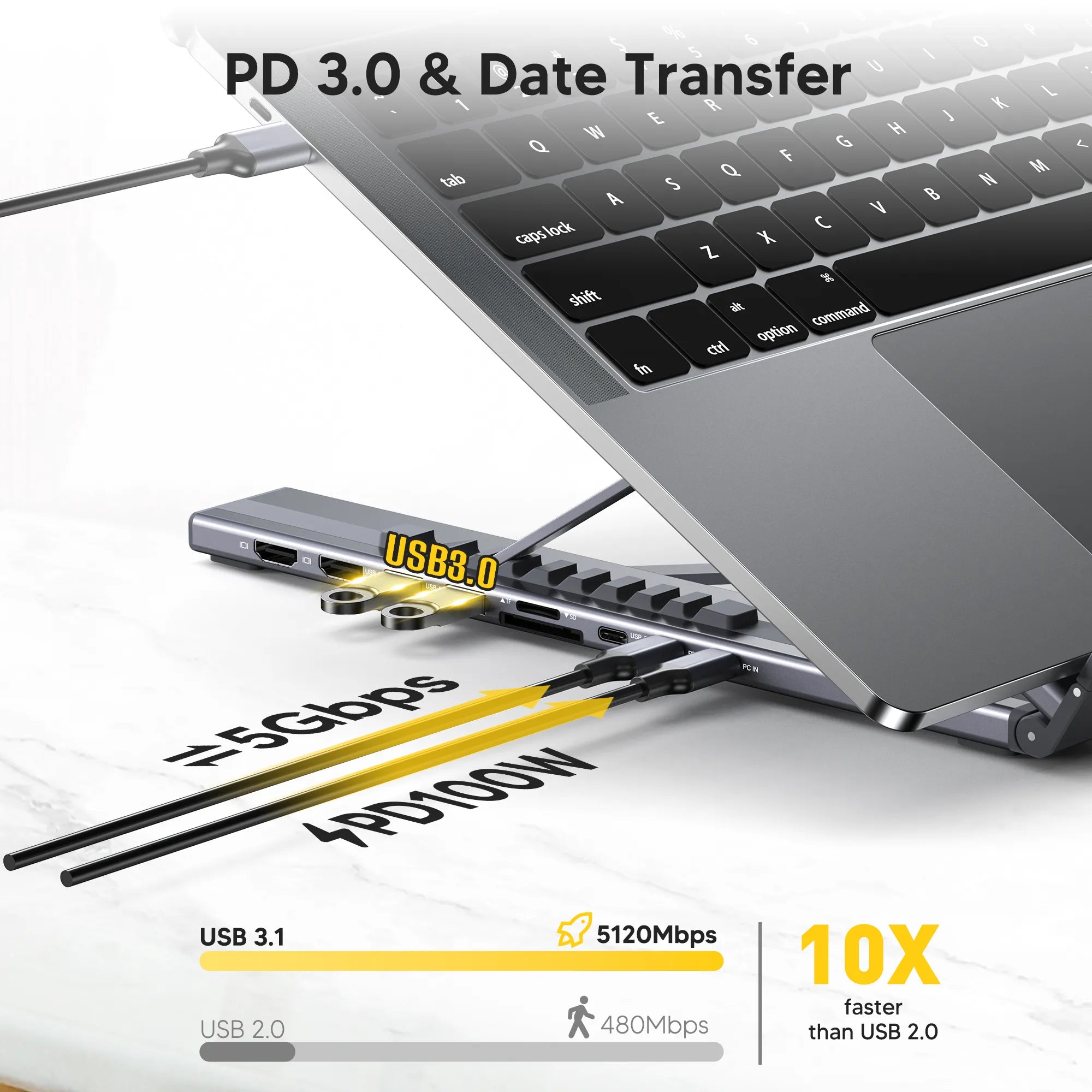
讓筆記型電腦保持供電,同時工作空間維持連線。USB-C PD 連接埠支援最高 100W 輸入,可為筆記型電腦提供最高 90W 電力,並預留電力供擴充基座本身使用。
透過 SD 3.0 和 TF 卡支援,以最高 25MB/s 的速度傳輸照片、影片和專案檔案。對攝影師、創作者以及任何使用可移除式儲存裝置的人來說,都是實用的升級。
透過 USB-C 資料連接埠和雙 USB-A 連接埠連接外接硬碟與日常 USB 配件,傳輸速度最高可達 5Gbps,打造更快速、連線更完善的桌面配置。
與……很搭
快速出貨,免費送達
30 天無風險試用期
2 年保固
免運費與退貨服務
MUKIYA 9 合 1 USB-C 筆電擴充基座支架 | M91
Four configurations. Same form factor, same 100W charging — different display and port combinations for different workflows.
| M92 Most ports | M91 Most popular | M93 8K output | M94 3 screens | |
|---|---|---|---|---|
| Display | ||||
| Total display outputs | 1 | 2 | 2 | 3 |
| Triple Display resolution | 4K@60Hz | 4K@60Hz | 8K@30Hz | 4K@60Hz |
| HDMI ports | 1× HDMI | 2× HDMI | 1× HDMI | 2× HDMI |
| DisplayPort | — | — | DP 8K@30Hz | DP 4K@60Hz |
| Dual 4K@60Hz | — | |||
| Triple 4K@60Hz | — | — | — | |
Best For
Content creators, podcasters, and remote workers who plug in a condenser mic or studio headphones. The only M model with audio I/O.
Hybrid workers and business travelers who need two external monitors. Best all-round pick — nothing wasted, nothing missing.
Video editors, colorists, architects, and 3D artists. For workflows where pixel count is non-negotiable — 8K@30Hz or dual 4K@60Hz.
Traders, developers, and video producers who run three external screens. The only M model that drives three 4K@60Hz outputs simultaneously.
更好的工作空間帶來更專注的表現。Mukiya 讓雜亂的桌面變得更整潔、更舒心。
之前
線材凌亂、筆電高度太低,裝置還得爭奪同一小塊桌面空間。
 之後
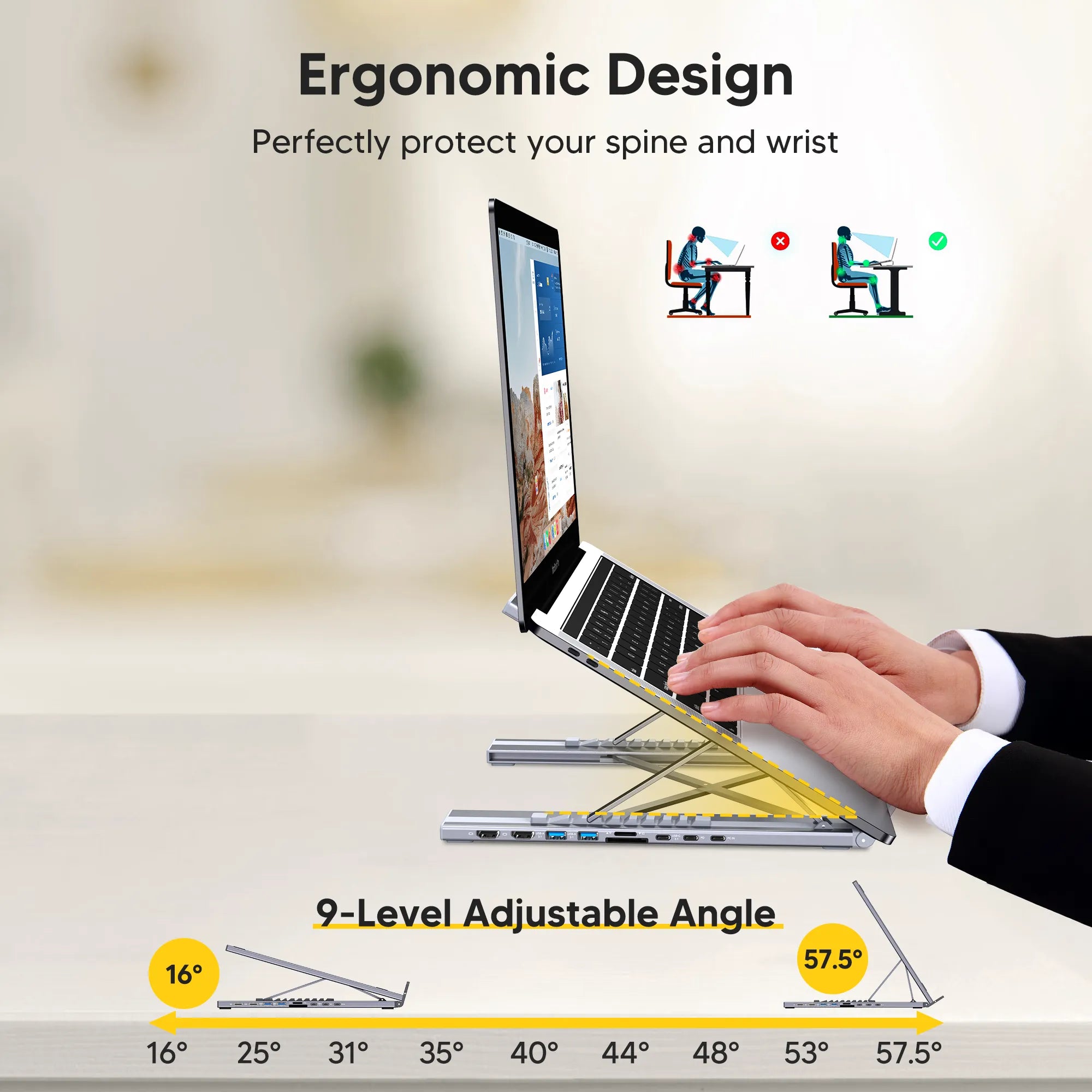
Mukiya 抬高你的螢幕,讓充電更簡便,並讓工作空間維持井然有序的樣貌。


See what tech reviewers and productivity experts are saying


Quick demos from creators who use Mukiya daily

 shopdulvo

 retrotechlab

 samrt_will

 Tmac_tech2026
See how our community transforms their workspaces
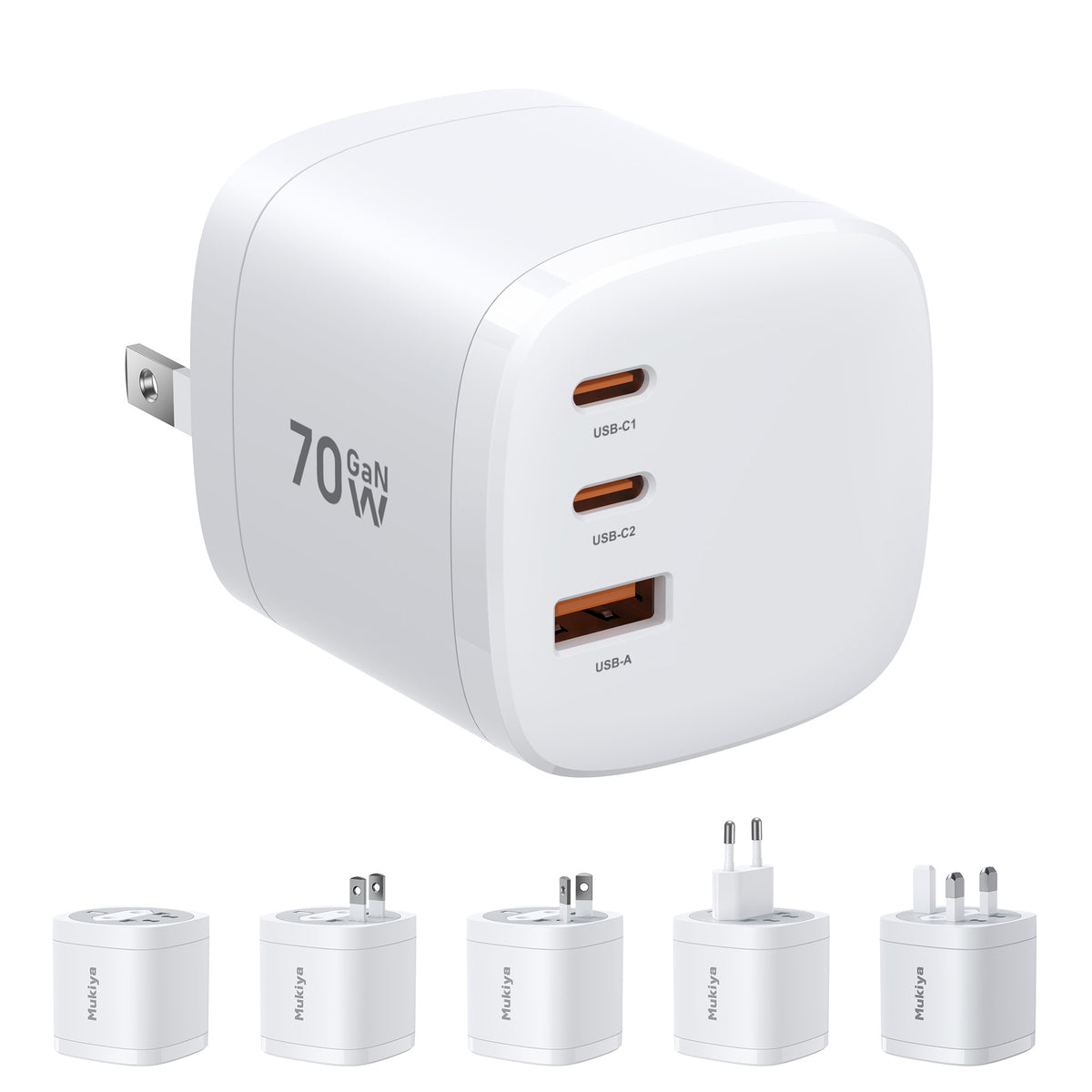
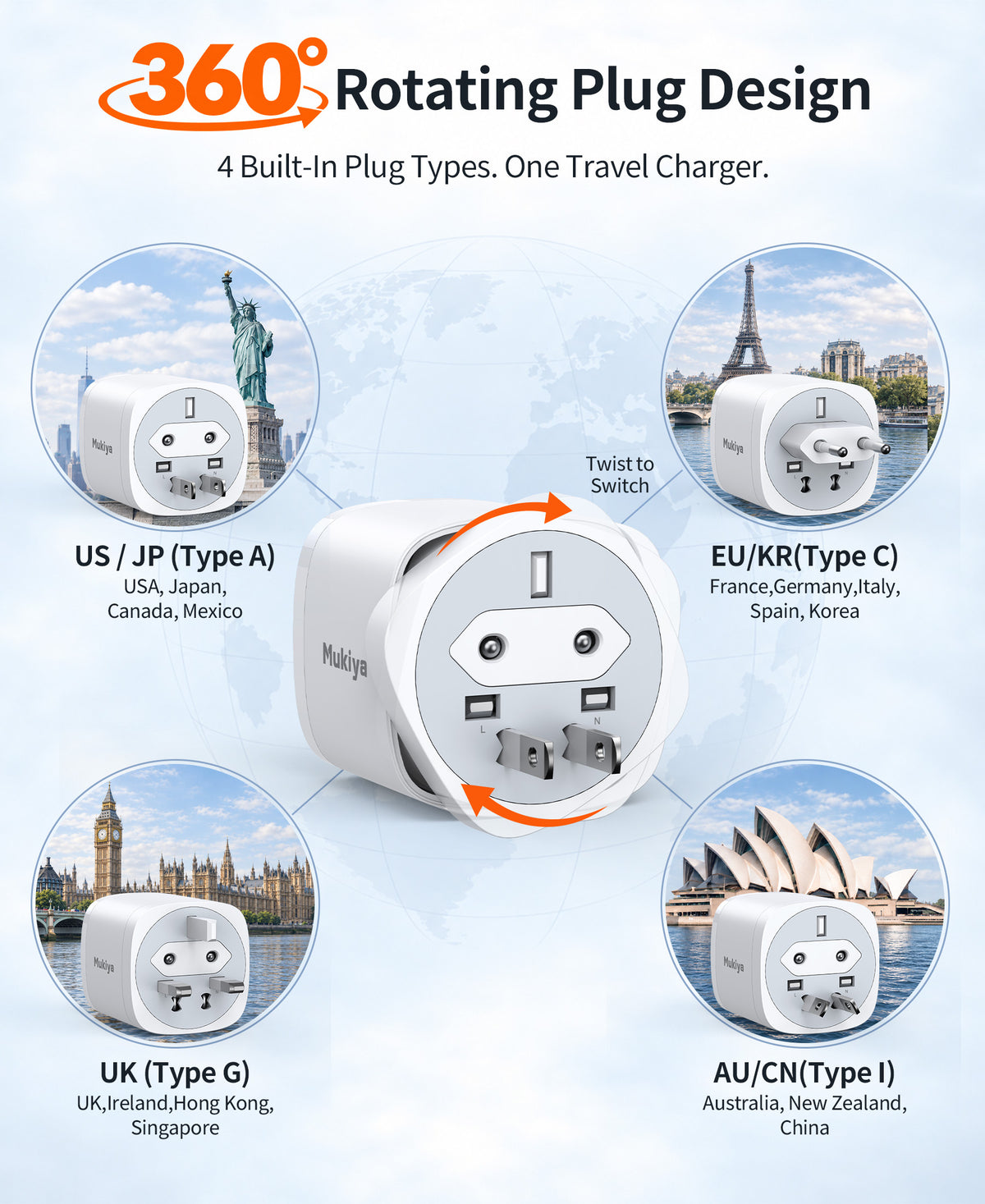
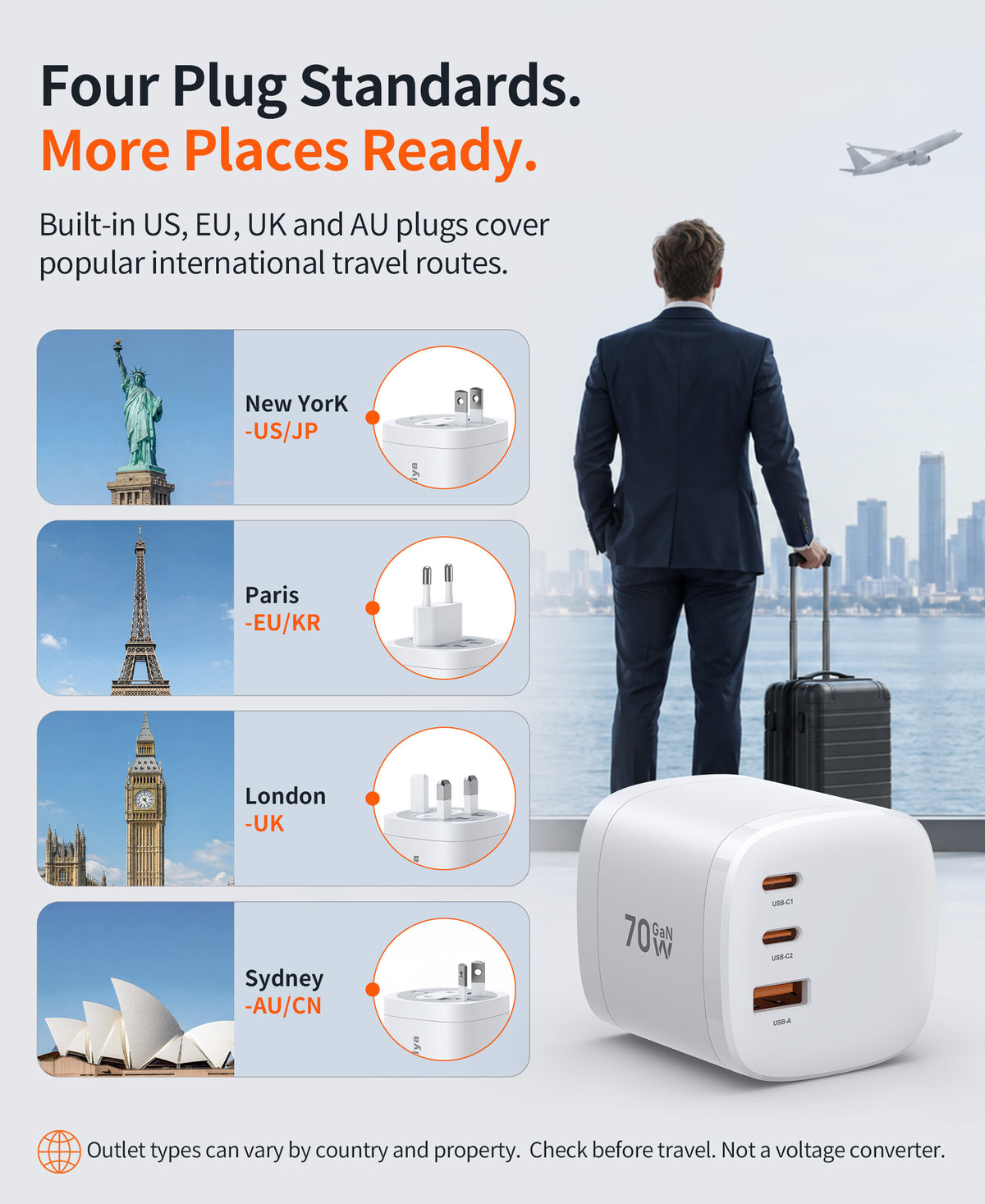
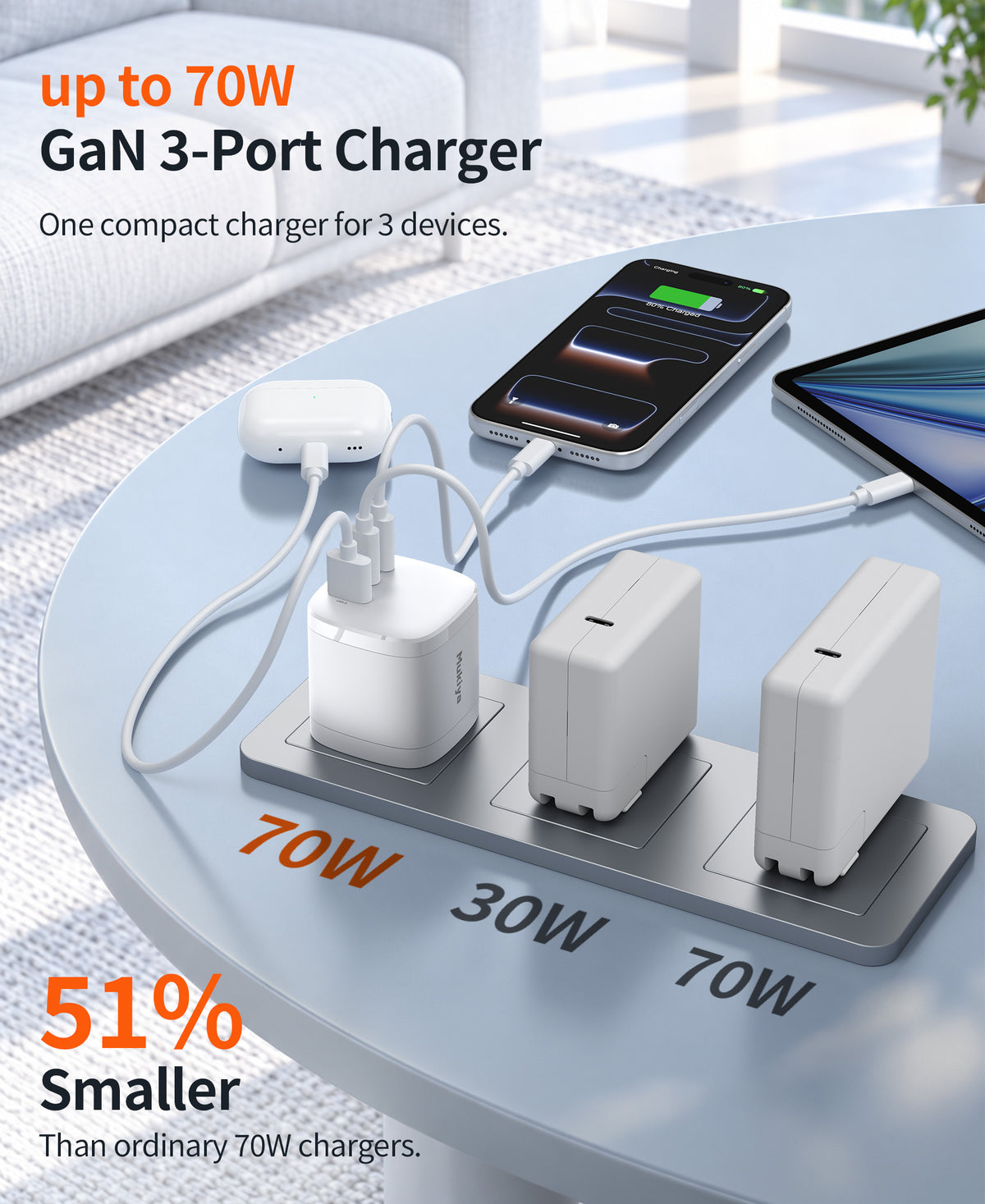
Mukiya 360° 旋轉四合一通用旅行充電器 | 70W GaN
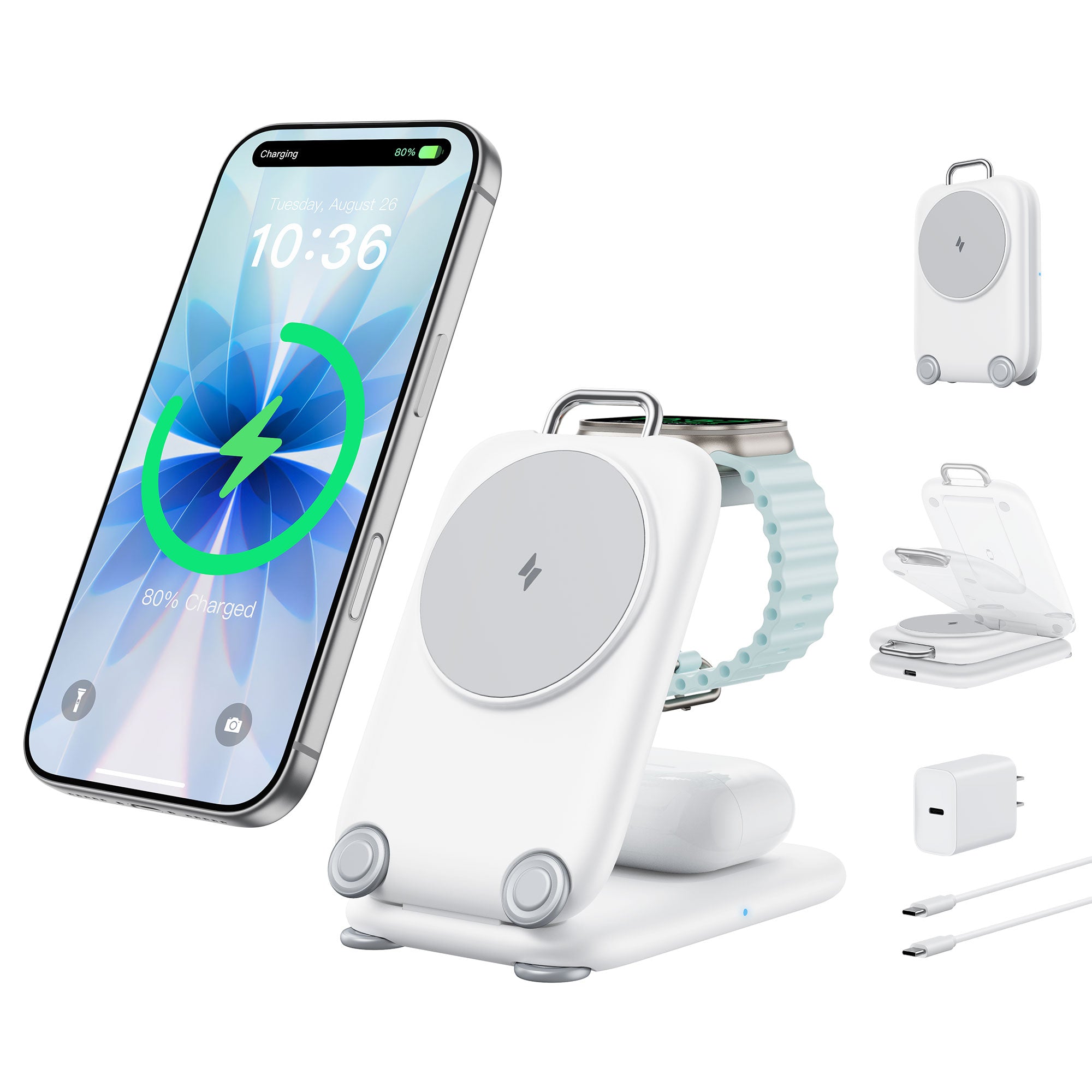
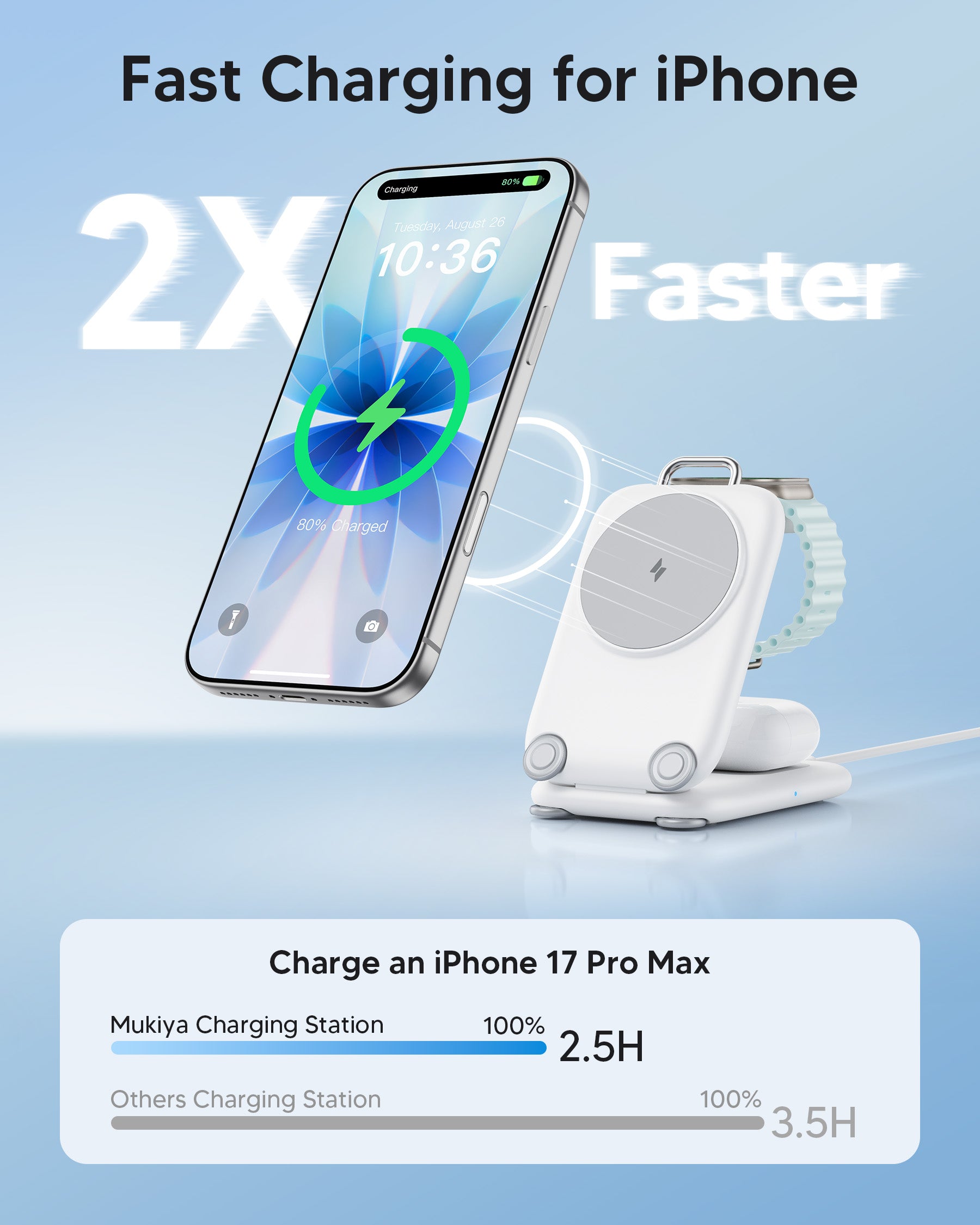
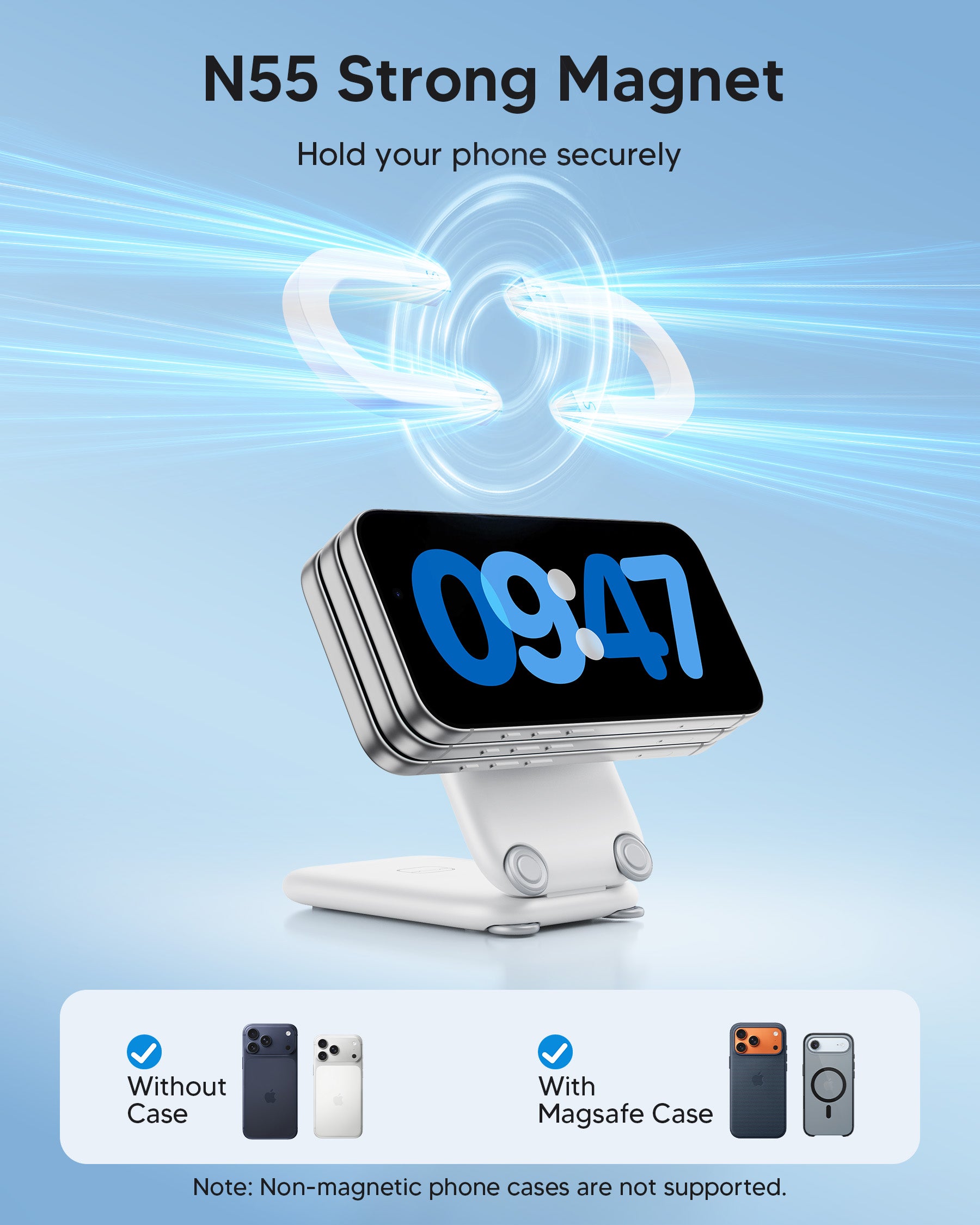
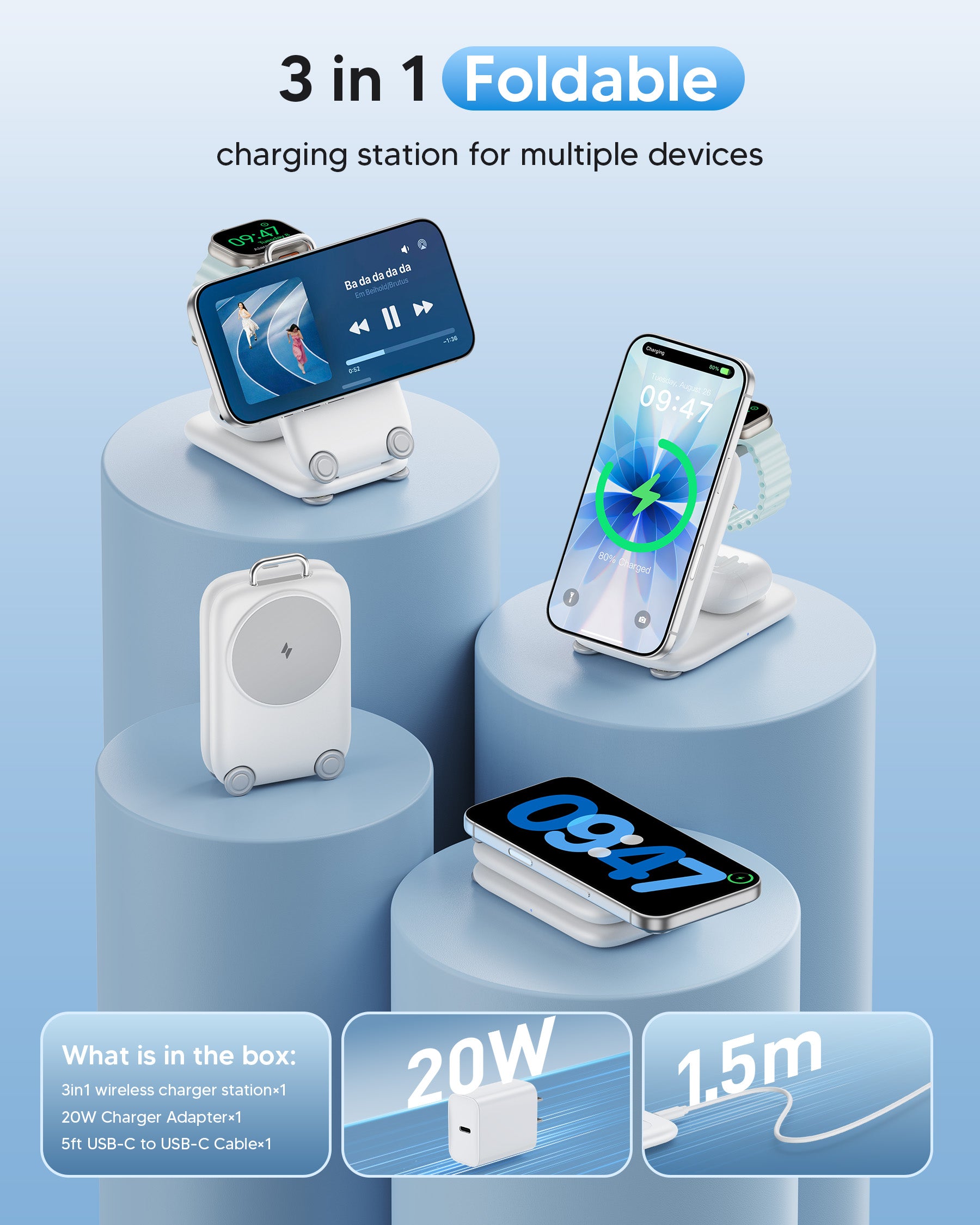
Mukiya 行李箱款三合一摺疊磁吸無線充電器 | 旅行充電站
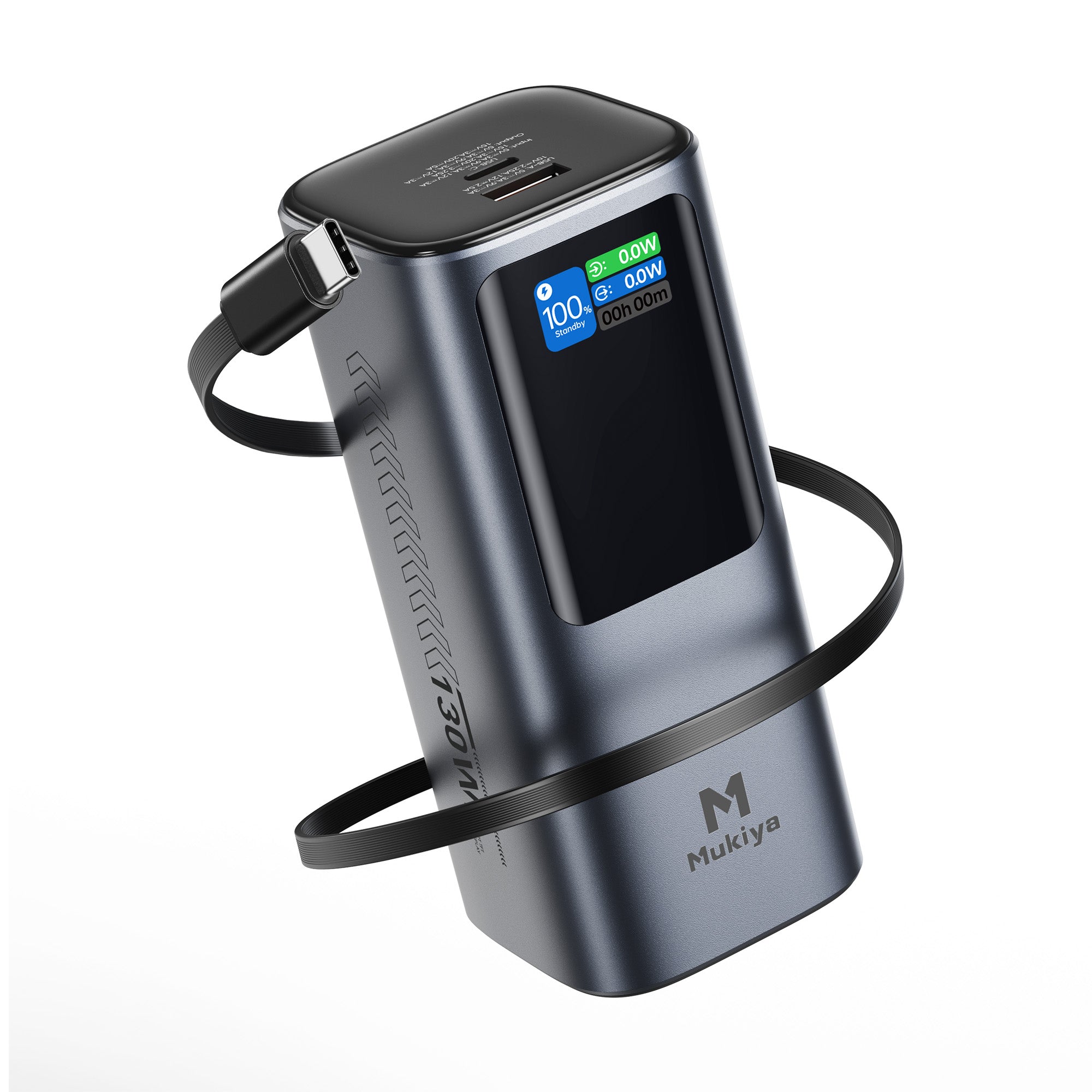
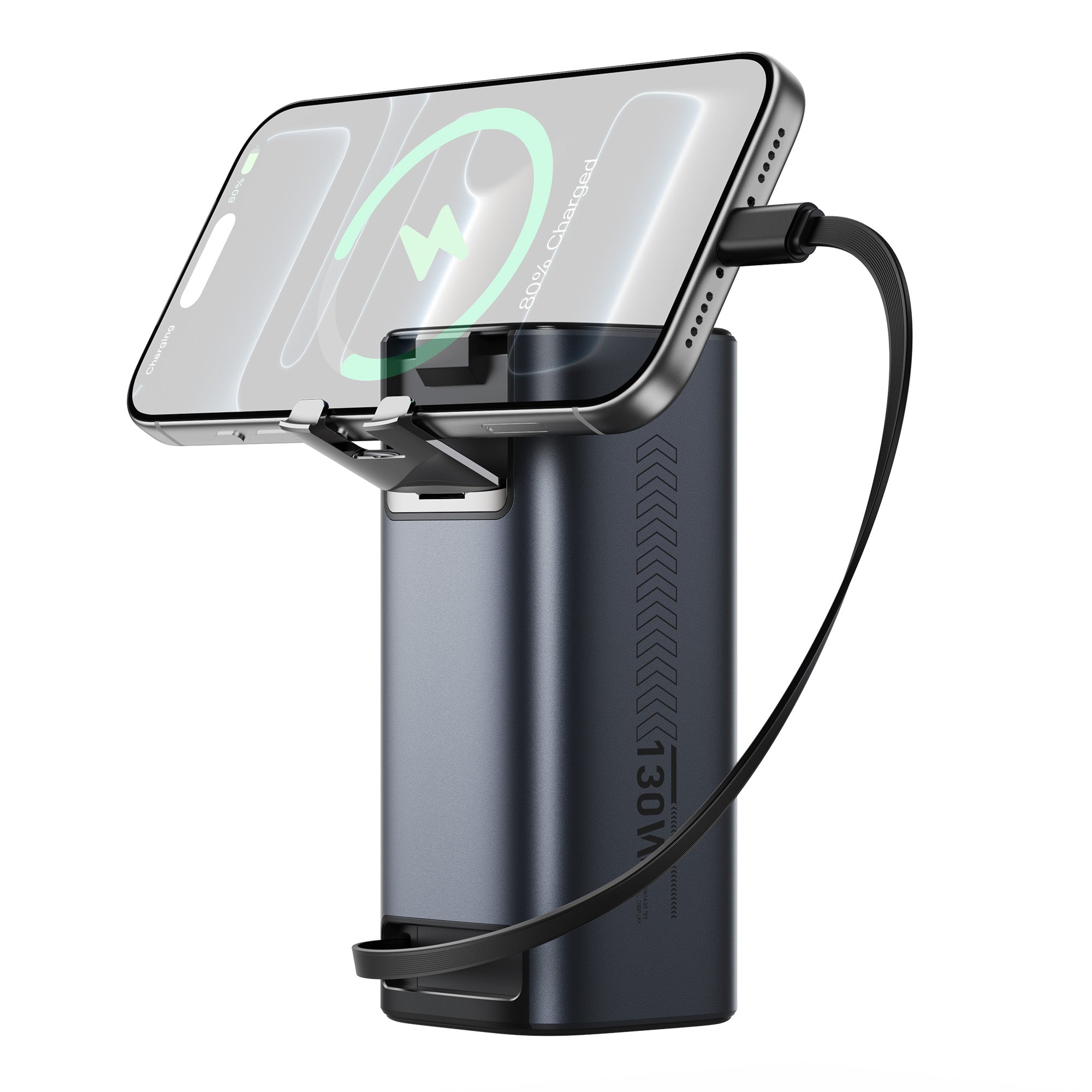
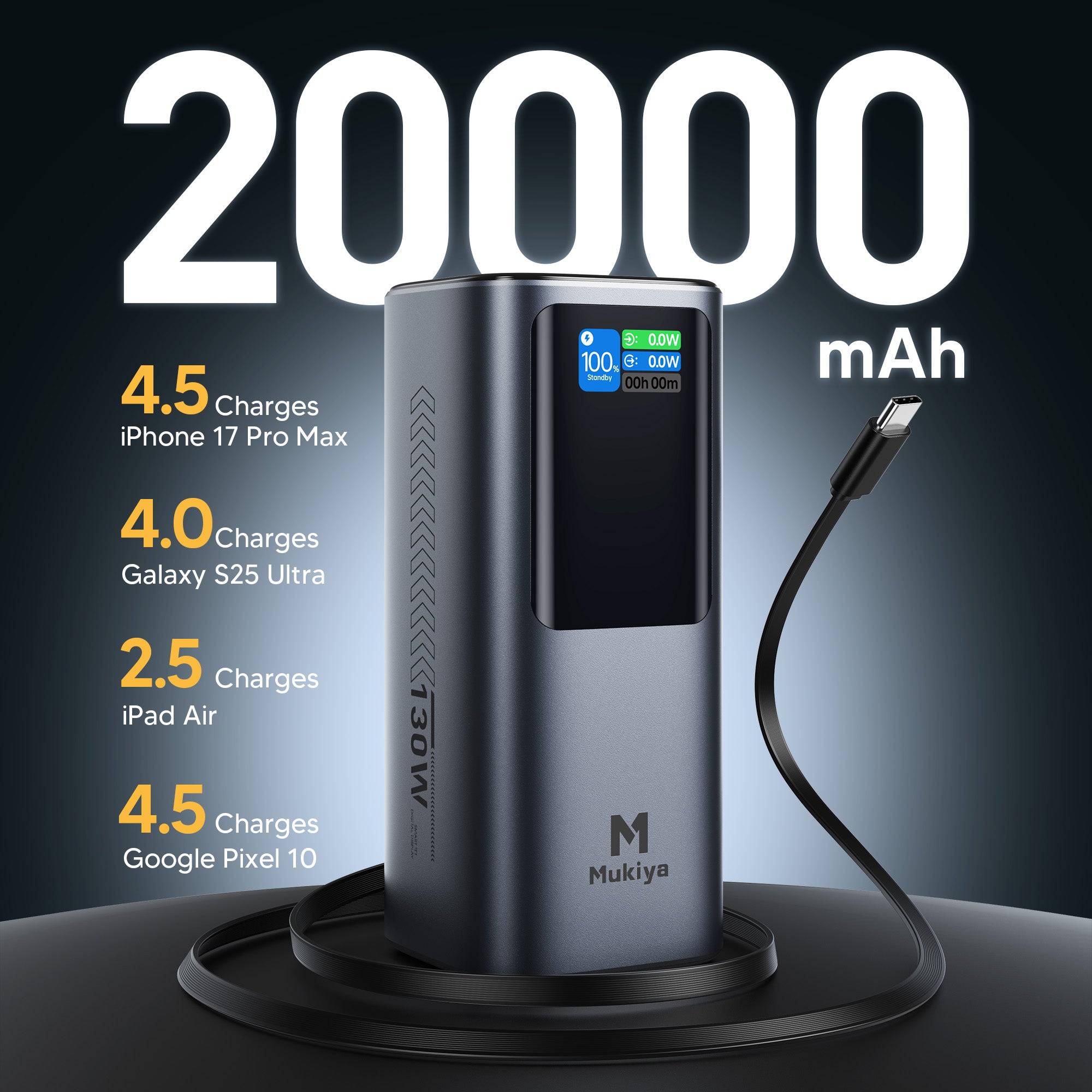
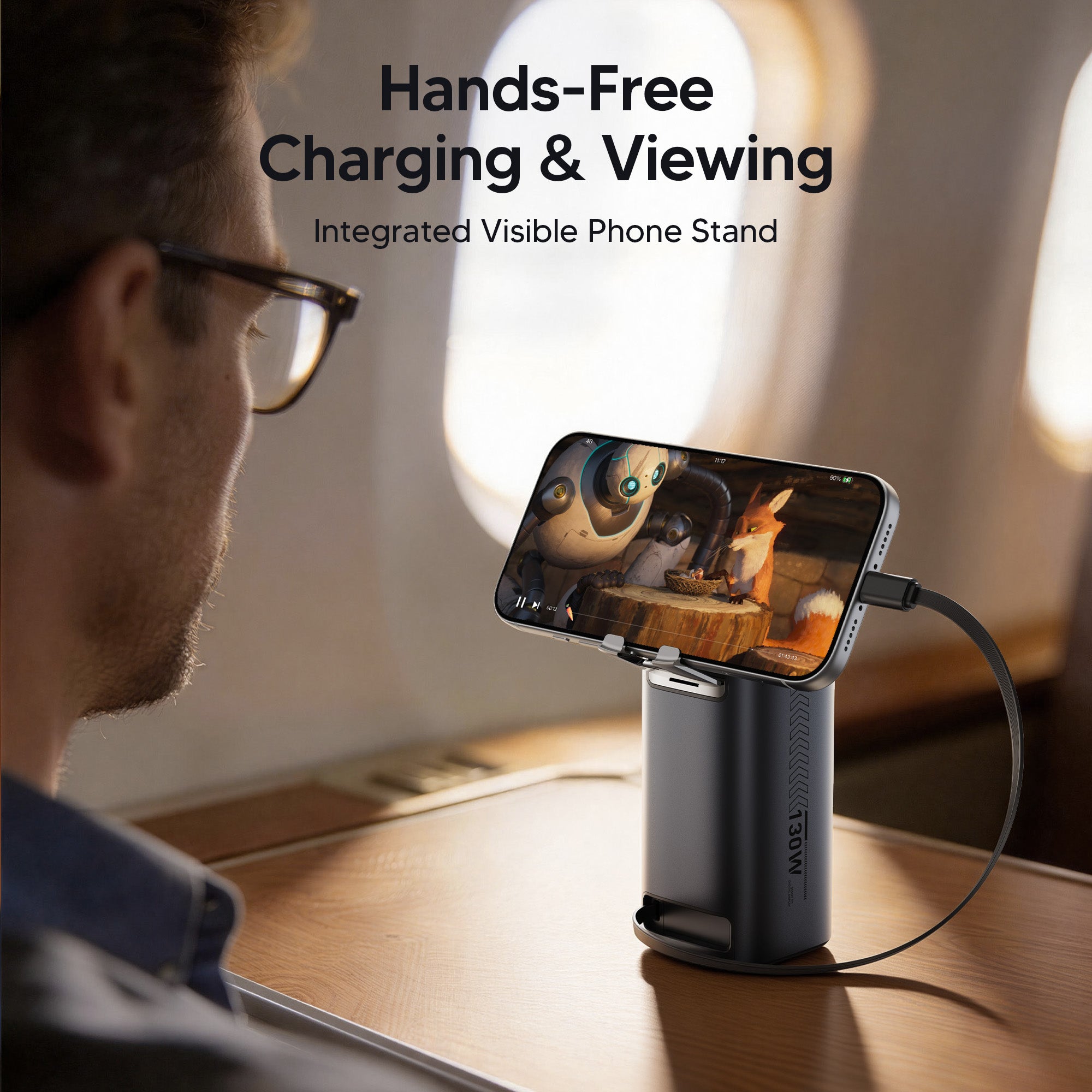
Mukiya 130W 筆電行動電源,20,000mAh,內建伸縮線與手機支架


Mukiya 手提包款雙線行動電源 | 10,000mAh 30W 快速充電
可以,但需搭配相容的筆記型電腦使用。兩個 HDMI 輸出可支援雙螢幕設定;不過,最終解析度和更新率取決於筆記型電腦的 USB-C 影像輸出能力、作業系統、連接線及可用頻寬。
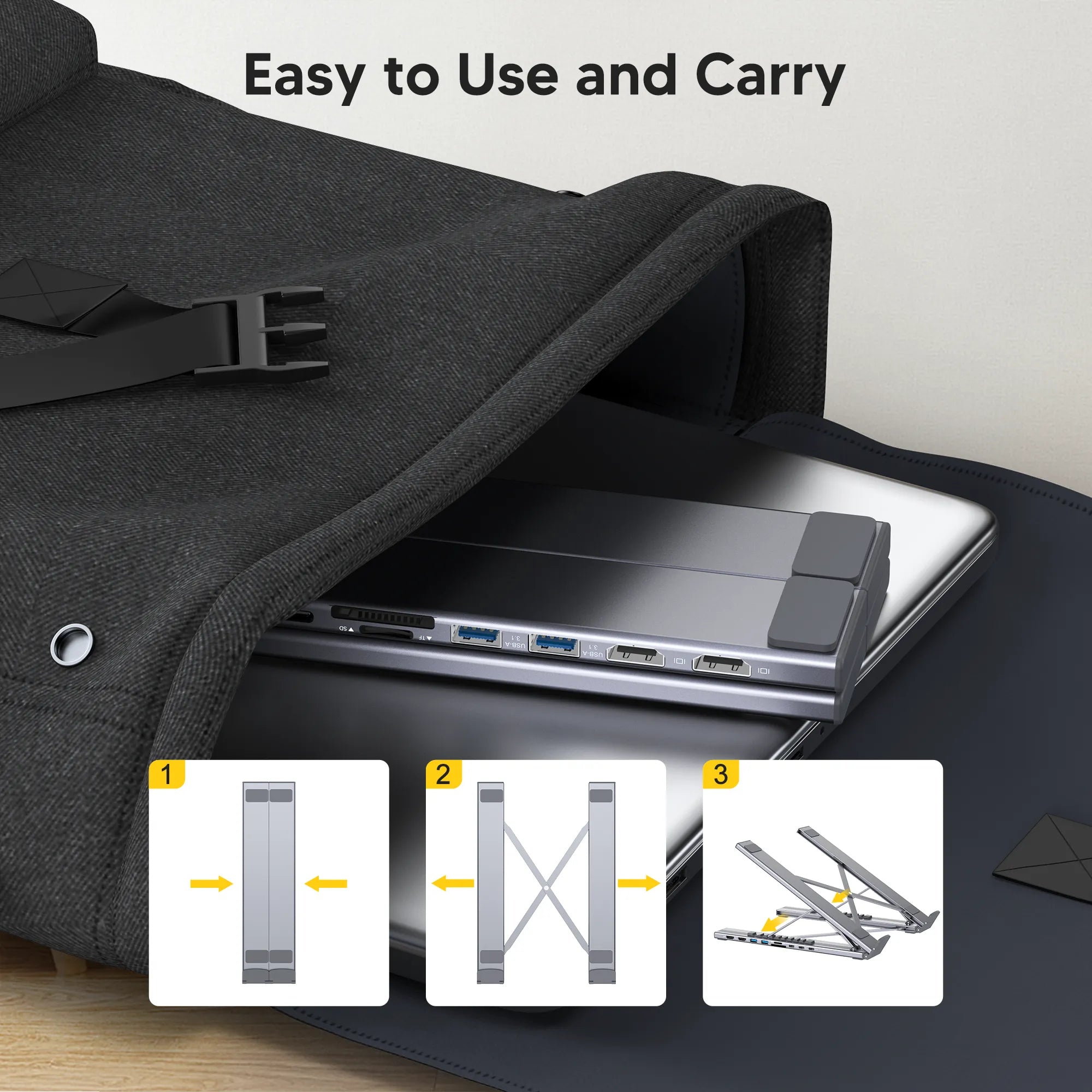
是的。它結合可調式鋁製筆電支架與 9 合 1 USB-C 擴充基座,可將筆電抬升至舒適高度,並透過單一連接埠連接兩台螢幕及周邊配件,是真正將支架與擴充基座合而為一的產品。
這是一款 9 合 1 擴充座:配備兩個 HDMI 輸出埠、兩個 USB-A 3.0 埠(5Gbps)、一個 USB-C 資料埠、一個 SD 卡讀卡機、一個 TF/microSD 讀卡機,以及 USB-C Power Delivery,可為筆記型電腦充電。
這取決於 Mac 型號和晶片。有些 MacBook 透過標準 USB-C 擴充基座僅支援一台外接顯示器,其他機型則支援更多。請查詢您確切型號的 Apple 外接顯示器支援上限;擴充基座無法增加 Mac 本身不支援的顯示器數量。
是的。將 USB-C Power Delivery 充電器連接至擴充基座的電源輸入端,即可在驅動兩台螢幕和週邊設備的同時為筆記型電腦充電,讓一條連接筆記型電腦的線材即可處理所有需求。